

If you’re trying to redeem a Roblox gift card on the iOS or Android app and can’t find the button, you’re not imagining things. Roblox intentionally removes the gift card redemption feature from its mobile apps because Apple and Google take a commission cut on in-app transactions, so Roblox directs you to a web browser instead.
Key Takeaways
- The Roblox mobile app does not include a gift card redemption option. This is intentional, not a bug.
- Apple and Google charge developers up to 30% commission on in-app purchases, which is why Roblox bypasses this through its website.
- You can redeem your card at roblox.com/redeem using Safari, Chrome, or any mobile browser.
- You do not need a desktop computer. Your phone’s browser works perfectly fine.
- After redeeming, your Robux or credit will appear in your account within minutes.
- Gift cards bought at Target, Walmart, and Amazon all use the same redemption process.
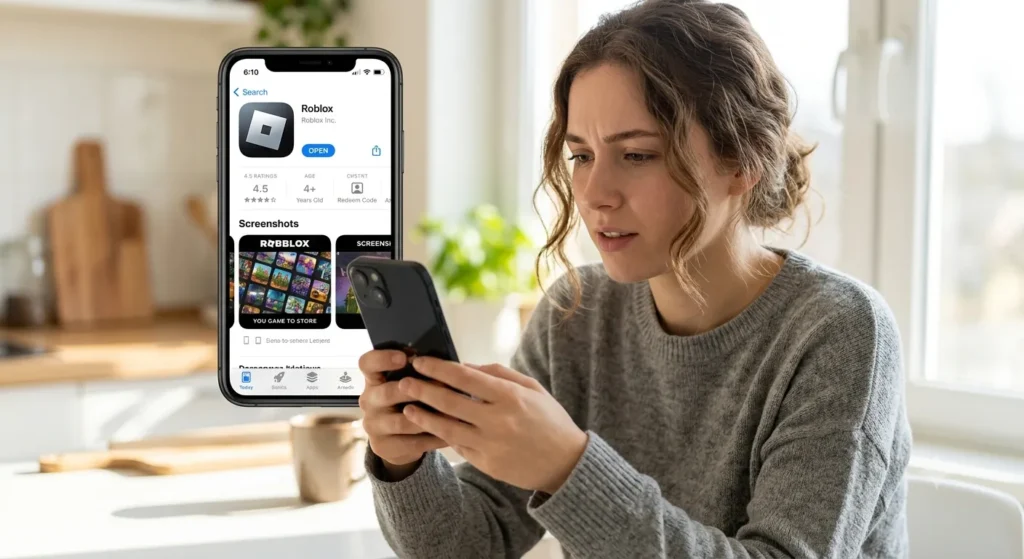
The Real Reason There’s No Redemption Button in the App
You’ve scratched the back of the card, you’ve got your code ready, and you’ve opened the Roblox app expecting to find a simple text box. Instead, you find nothing. No “redeem” tab. No “enter code” option hiding in the settings. Just the regular store and your Robux balance staring back at you.
This is not a glitch. It is a deliberate business decision, and it comes down to how Apple’s App Store and Google Play operate.
Both Apple and Google require developers to use their official in-app purchase systems when selling digital goods inside apps. When a player buys Robux through the Roblox app on an iPhone, Apple takes a cut of that transaction, typically around 30% for standard transactions, though this has shifted slightly due to ongoing legal battles. You can read more about Apple’s App Store commission structure and developer policies directly from Apple’s developer documentation.
If Roblox allowed gift card redemption inside the app, Apple and Google could argue that it falls under their payment rules and demand that commission. Rather than hand over a significant slice of every gift card transaction, Roblox routes redemption through its website, which sits completely outside the app store ecosystem. This is the same reason many subscription services, including Spotify and Netflix, also direct new sign-ups to their websites instead of completing the process in-app.
How to Actually Redeem Your Roblox Gift Card (Step by Step)
The good news is that redeeming your card takes less than two minutes once you know where to go. You don’t need a laptop or a desktop computer. Your phone or tablet handles this just fine through a browser.
Here’s exactly what to do:
- Open Safari (iPhone/iPad) or Chrome (Android). Do not open this through the Roblox app’s built-in browser. Use your phone’s main browser app.
- Go to roblox.com/redeem. Type that URL directly into the address bar.
- Log in to your Roblox account. Use the same username and password you use in the app. If you’re already logged in on the browser, you’ll skip this step.
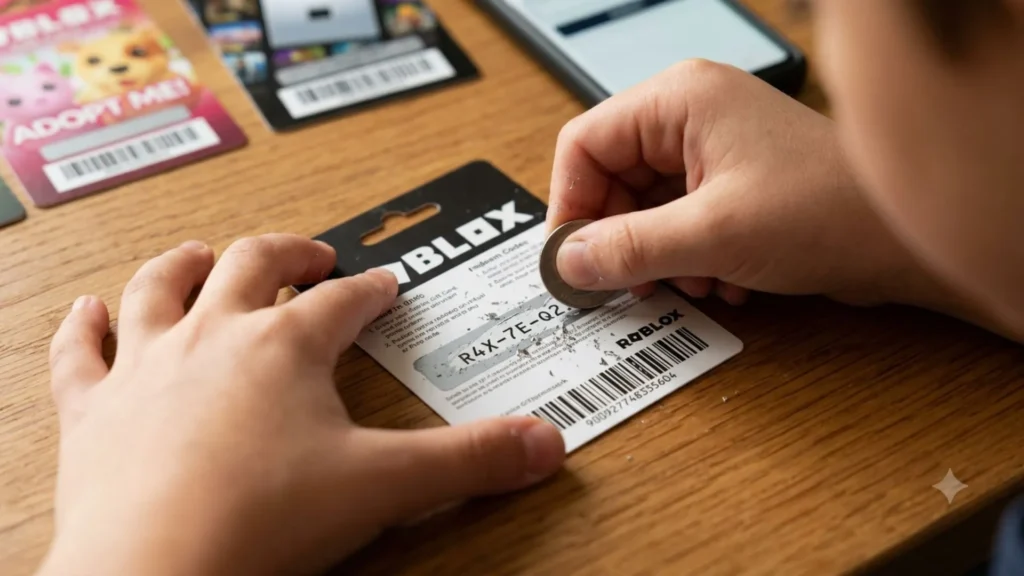
- Enter your gift card code. This is the PIN on the back of the physical card, or the code in your email if you bought a digital version.
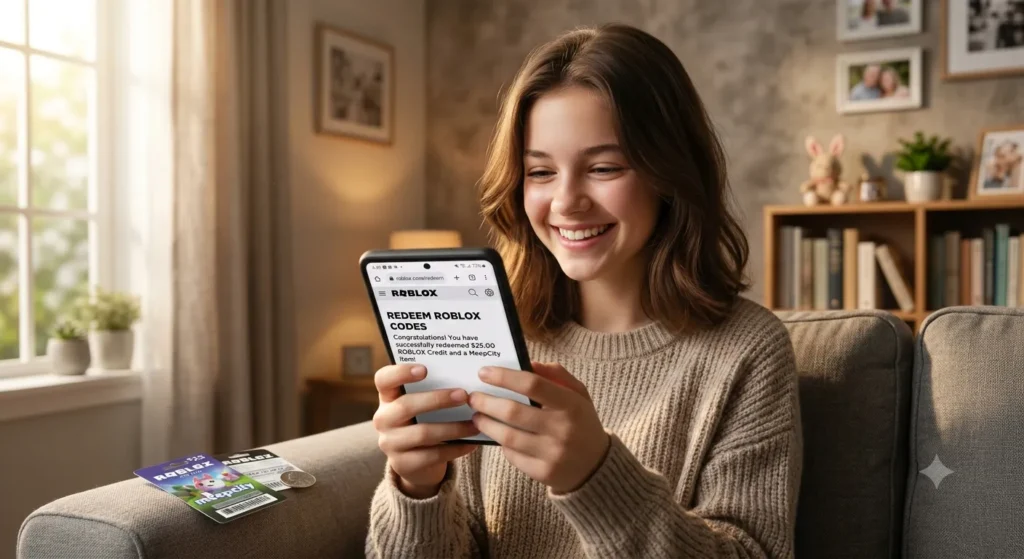
- Click “Redeem”. The page will confirm your Robux or Roblox Credit has been added.
- Check your balance. Open the Roblox app and your updated balance should appear within a few minutes.
That’s the entire process. No app update needed, no customer support ticket required.
What If the Website Won’t Load on Your Phone?
If roblox.com isn’t loading, start with the basics:
- Check that your phone has an active internet connection.
- Try switching from Wi-Fi to mobile data, or vice versa.
- Clear your browser’s cache if the page loads but behaves strangely.
- Make sure you’re going to the exact URL: roblox.com/redeem, not a third-party site.
Roblox has published its own support documentation, and you can find additional help on their official Roblox Support page if something unexpected comes up during redemption.
Gift Card Types and What Each One Gives You
Not all Roblox gift cards work exactly the same way, and knowing the difference prevents a lot of confusion during redemption.
| Card Type | What You Get | Where to Buy |
|---|---|---|
| Robux Gift Card | A fixed amount of Robux added directly to your account | Target, Walmart, GameStop |
| Roblox Credit Card | Credit applied to your account balance to spend in the store | Amazon, Best Buy, Kroger |
| Digital Gift Card | A code emailed to you, works the same way online | Amazon, Roblox website |
| Physical Plastic Card | A PIN on the back under a scratch-off strip | Retail stores nationwide |
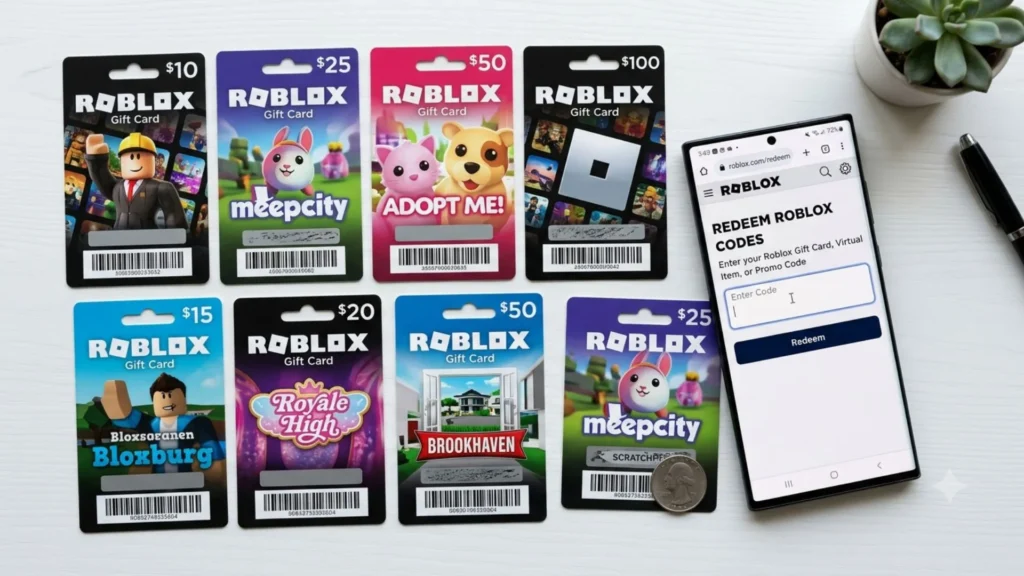
Robux gift cards give you a set number of Robux. For example, a $10 card gives you 800 Robux. A $25 card gives you 2,000 Robux.
Roblox Credit works slightly differently. Instead of going directly to your Robux balance, it adds store credit to your account, which you can then use to purchase Robux or Premium subscriptions. The redemption process on the website is identical for both types.
One thing worth knowing: gift cards purchased in the United States are region-specific. If someone sends you a card from another country, you may run into issues redeeming it on a US account. For questions about this, the Roblox Gift Cards FAQ covers regional restrictions in detail.
Common Mistakes That Make Redemption Fail
Even when you’re on the right page, a few small errors can cause the code to reject. Here’s what to watch for:
- Typing errors in the code. Gift card codes use both letters and numbers. The letter “O” and the number “0” look similar. So do the letter “I” and the number “1”. Type carefully, or copy-paste from a digital card.
- Trying to redeem a code that’s already been used. If you bought the card secondhand or it was a gift that someone else activated, the code will show as invalid.
- Using the wrong account. If you’re logged into a different Roblox account in your browser than the one you use in the app, the Robux will go to the wrong place. Always double-check the username in the top right corner before hitting redeem.
- Waiting too long. Roblox gift cards do not expire under normal circumstances in the US, but if the card was purchased a long time ago and stored poorly (damaged PIN area), the code may be unreadable.
- Confusing the card number with the redemption PIN. Physical cards sometimes print both a card number and a separate PIN. You need the PIN for the redemption field, not the card number.
Things to Know
- The Roblox app on iOS and Android has never included a gift card redemption feature. It was not removed in an update. It simply was never there.
- You cannot redeem through the Roblox app even if you have a Premium subscription. The browser requirement applies to all accounts.
- The 30% commission issue between app developers and Apple/Google is an industry-wide dispute. The Epic Games v. Apple antitrust case brought significant public attention to how these commission structures affect developers and consumers alike.
- Roblox Credit and Robux are not the same thing. Credit must be converted to Robux through a purchase, while Robux cards add directly to your balance.
- If you’re buying a gift card as a present, a digital card from Amazon means the recipient gets the code by email instantly, which is useful for last-minute gifts.
- Roblox regularly updates its platform and policies. For the most accurate, current redemption instructions, the official Roblox help center is your best reference point.
Frequently Asked Questions
Q: Why can’t I redeem my Roblox gift card on the app, even after updating it?
Roblox intentionally disables gift card redemption inside the mobile app due to Apple and Google app store commission rules, and updating the app will not change this.
No version of the Roblox iOS or Android app includes this feature. The only way to redeem a gift card is through a web browser at roblox.com/redeem. This applies to all account types and all versions of the app.
Q: Can I redeem my Roblox gift card on a phone without a computer?
Yes, you can redeem entirely on your phone using Safari or Chrome, with no computer required.
Just open your phone’s browser, navigate to roblox.com/redeem, log in to your account, and enter your code. The mobile browser version of the site works just as well as the desktop version for this purpose.
Q: How long does it take for Robux to appear after redeeming a gift card?
Robux typically appear in your account within a few seconds to a few minutes after a successful redemption.
If your balance hasn’t updated after 10 minutes, try closing and reopening the Roblox app. If the issue persists after an hour, contact Roblox Support with your redemption confirmation and they can investigate.
Q: What should I do if my gift card code says it’s already been redeemed?
If a code shows as already redeemed, contact the retailer where you purchased it, since this is often a point-of-sale activation issue.
Bring your receipt as proof of purchase. Target, Walmart, and GameStop all have processes for handling gift card disputes. In some cases, Roblox Support may also be able to investigate if the code was activated on a Roblox account, helping you track down where the error occurred.
Q: Do Roblox gift cards expire if I don’t use them right away?
Roblox gift cards sold in the United States do not have an expiration date under standard terms, but always check the packaging for any printed conditions.
The bigger risk with physical cards is physical damage to the scratch-off PIN area. If the PIN is unreadable, contact the store with your receipt. NIH’s consumer guidance on gift card protections and the Federal Trade Commission’s resources cover your rights around gift card purchases in the US.
The Bottom Line on Why You Can’t Redeem Your Roblox Gift Card on the App
The answer is simple: Apple and Google’s commission rules push Roblox to keep redemption off the mobile app entirely. It’s not your phone, it’s not your account, and it’s not a bug. It’s a business workaround that affects players every day across the country.
Your next step is straightforward. Open Safari or Chrome right now, go to roblox.com/redeem, log into your account, and type in your code. The whole process takes under two minutes, and your Robux will be ready to spend before you know it.