

Redeeming Robux codes is simple: you enter your code on the official Roblox website or through a gift card PIN, and the Robux gets added to your account right away. Knowing the right steps, and the right place to do it, saves you from scams and wasted codes.
Key Takeaways
- Always redeem codes on the official Roblox website or through the Roblox gift card page, never on third-party sites.
- Gift card PINs and promo codes are redeemed in two different places, so knowing which type you have matters.
- Robux codes do not expire quickly, but promo codes can have short windows, so use them fast.
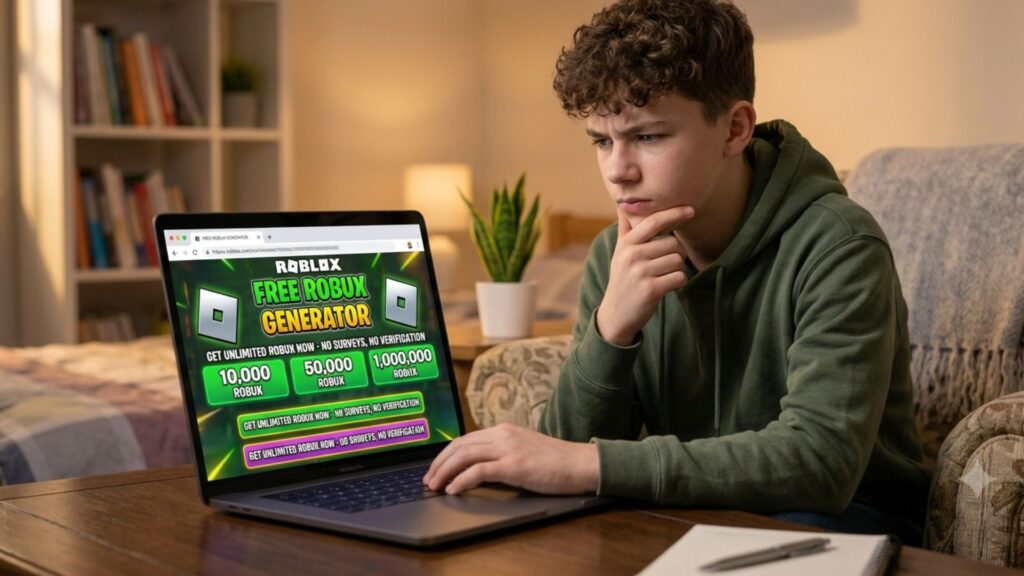
- Scam sites that promise free Robux codes are fake. No legitimate site gives away free Robux outside of official promotions.
- If a code does not work, double-check for typos, confirm the region, and make sure your account is in good standing.
- Parents can set up a Roblox account and use gift cards without needing a credit card.
The Difference Between a Gift Card PIN and a Promo Code
Before you start, it helps to know which type of code you actually have. These two types look similar but are redeemed in completely different spots.
Roblox Gift Card PIN
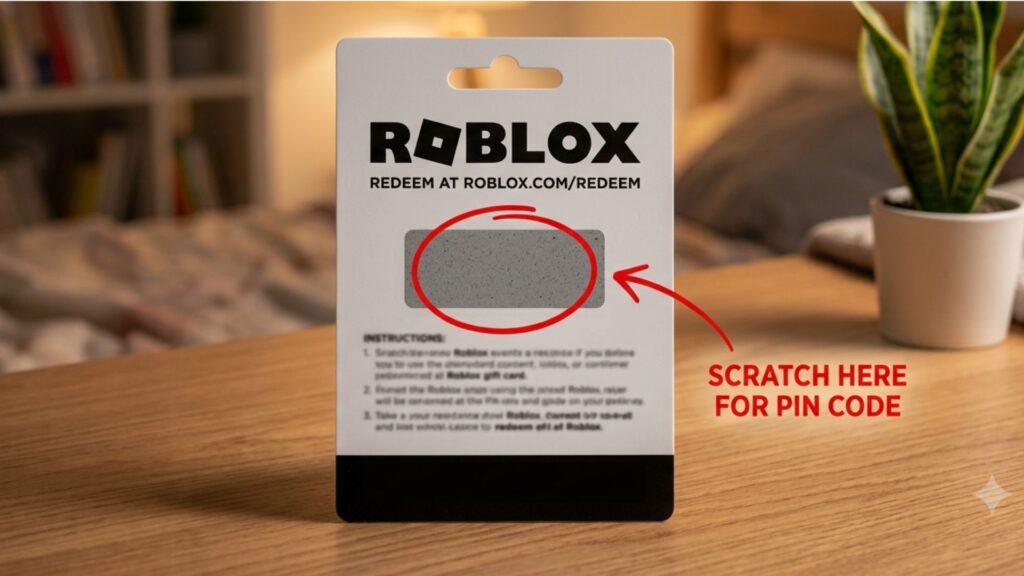
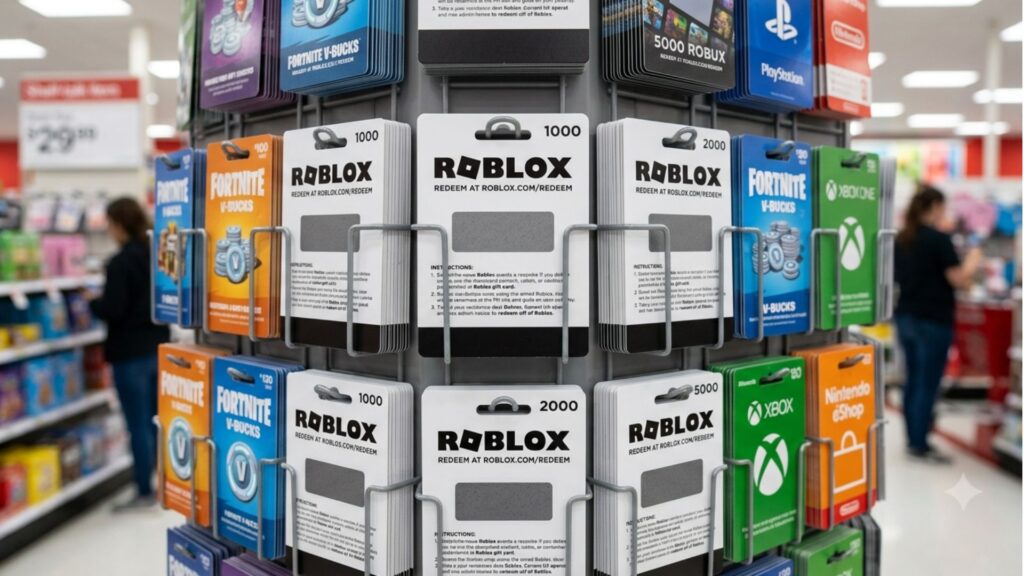
A Roblox gift card is a physical or digital card you can buy at stores like Target, Walmart, GameStop, and Amazon. The back of the card (or the email, if it is digital) has a PIN. This PIN is redeemed on the Roblox gift card page to load Robux directly into your account. Physical gift cards are available in amounts ranging from $10 to $50, which adds between 800 and 4,500 Robux depending on the card value.
Roblox Promo Code
Promo codes are short promotional strings that Roblox gives out during special events, partnerships, or giveaways. These codes usually unlock free items (like hats, accessories, or avatar gear) rather than Robux. They are redeemed on a separate page from gift cards.
Here is a quick breakdown of the differences:
| Feature | Gift Card PIN | Promo Code |
|---|---|---|
| What you get | Robux balance | Free items (cosmetics) |
| Where to redeem | roblox.com/redeem | roblox.com/promocodes |
| Where to buy/find | Retail stores, Amazon | Roblox events, partnerships |
| Expiration | Typically none | Can expire quickly |
| Works on mobile app | No — web only | No — web only |
How to Redeem a Roblox Gift Card PIN (Step by Step)
This is the most common way kids and teens add Robux to their accounts. Follow these steps carefully and you will have your Robux in under two minutes.
- Log in to your Roblox account on a computer or tablet browser. This does not work through the mobile app, so make sure you are on a web browser like Chrome or Safari.
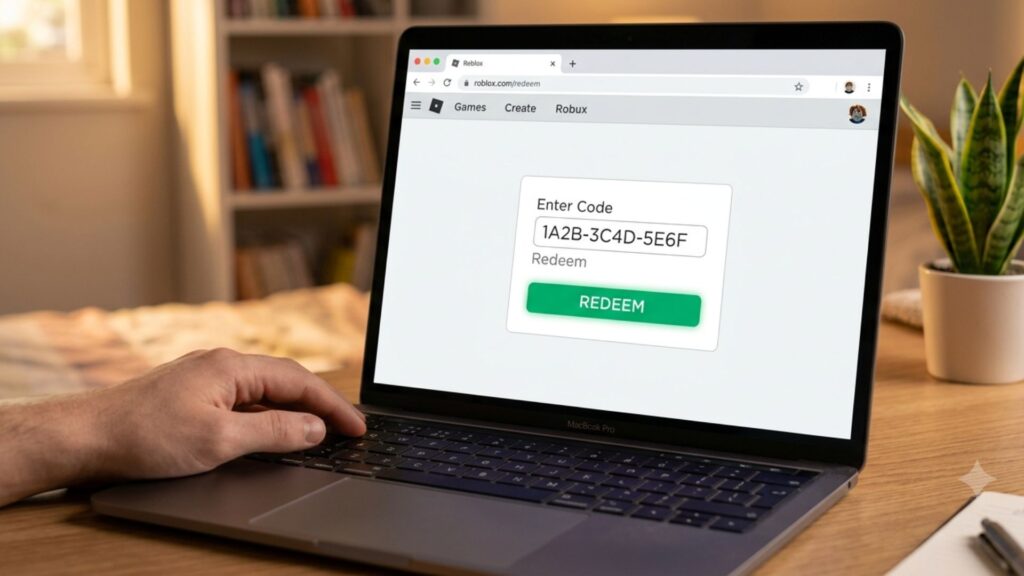
- Go to the gift card redemption page. Type roblox.com/redeem into your browser, or search for “Roblox gift card redeem” and click the official Roblox link.
- Scratch off the back of your physical card (if you have a physical one) to reveal the PIN. For digital cards, check your email or the platform where you bought it.
- Type in the PIN exactly as shown. The code is usually a mix of letters and numbers. Capital letters and lowercase letters do not matter here, but avoid adding spaces.
- Click the green “Redeem” button. A confirmation message will appear showing how much Robux was added to your account.
- Check your Robux balance at the top right corner of the screen. It should update immediately.
A few things to watch out for: make sure you are logged into the correct account before redeeming. Once a code is redeemed, it cannot be transferred to a different account. If you share a device with siblings, double-check which account is active.
How to Redeem a Roblox Promo Code
Promo codes work a little differently. These are the codes shared during events like Roblox’s partnerships with brands, holidays, or gaming events. They almost always unlock a free cosmetic item rather than Robux.
- Log in to your Roblox account on a web browser (again, not the mobile app).
- Go to the promo code page at roblox.com/promocodes.
- Type your promo code into the text box. These codes are usually all caps, like ROBLOX2024 or SUMMERFUN.
- Click “Redeem.” If the code is valid and has not expired, you will see a message confirming your new item.
- Check your avatar inventory to find the new item. Go to your Avatar page and look in accessories or clothing to equip it.
Promo codes have a limited lifespan. Some last only a few days, especially during live events. If you see a promo code online, try it right away rather than saving it for later.
Common Reasons a Code Is Not Working
It is frustrating when a code does not go through. Here are the most common reasons it fails and what you can do about it.
- The code has already been used. Each gift card PIN and promo code can only be used once. If someone else redeemed it before you, it will not work again.
- You typed it wrong. Check for numbers that look like letters (the number 0 versus the letter O, or the number 1 versus the letter I). Try retyping it slowly.
- The promo code expired. Roblox promo codes have end dates. If the event is over, the code will no longer be accepted.
- You are on the wrong page. Gift card PINs only work on roblox.com/redeem, and promo codes only work on roblox.com/promocodes. Using the wrong page will always give you an error.
- Your account has restrictions. If your account is under parental controls or has been flagged, some redemptions may be blocked. A parent or guardian may need to check the account settings.
- The card is from a different country. Roblox gift cards are region-specific. A card bought in the UK, for example, will not work on a US account. Always buy cards sold in the United States for a US account.
If you have checked all of these and the code still does not work, you can reach out to Roblox customer support through their official help page.
Staying Safe: Avoiding Robux Code Scams
This section is important, especially for younger players. There are a huge number of fake websites, YouTube videos, and social media accounts that claim to give out free Robux codes. Almost all of them are scams.
Here is how to spot a scam:
- They ask for your Roblox username and password. Roblox will never ask for your password through a website, email, or DM. If a site asks for this, close it immediately.
- They promise unlimited free Robux. Roblox does not have any system that generates unlimited free Robux. It is not possible. Any site claiming this is lying.
- They ask you to complete surveys or download apps. These surveys often steal personal information, and the apps can contain viruses. Never do this for Robux.
- The site URL looks weird or unofficial. The only real Roblox website is roblox.com. Variations like “roblox-free.com” or “getrobux.gg” are not affiliated with Roblox in any way.
The Federal Trade Commission (FTC) has great resources on how to recognize online scams, which applies to gaming scams too. Parents and guardians can share these tips with their kids to keep accounts safe.
According to the Better Business Bureau, online gaming scams targeting kids have increased significantly in recent years, with many targeting popular platforms like Roblox. The safest rule: if it sounds too good to be true, it is.
Where to Buy Roblox Gift Cards in the US
If you want to get more Robux but do not have a code yet, here is where to find legitimate Roblox gift cards in the United States:
- In-store retailers: Target, Walmart, GameStop, Best Buy, CVS, Walgreens, and most grocery stores carry physical Roblox gift cards near the checkout or in the gift card section.
- Online: Amazon sells digital Roblox gift cards that are delivered straight to your email. Roblox also sells gift cards directly through their own website.
- Digital codes via apps: Some digital storefronts and gaming platforms sell Roblox digital codes as well.
Gift cards range from $10 to $50. Here is what you get for each:
| Card Value | Robux Received |
|---|---|
| $10 | 800 Robux |
| $25 | 2,000 Robux |
| $50 | 4,500 Robux |
Buying directly from a retailer or from Roblox’s website is always the safest bet. Avoid buying gift cards from strangers online or from random sellers on apps like OfferUp or Facebook Marketplace, as these are sometimes stolen or already used.
Things to Know
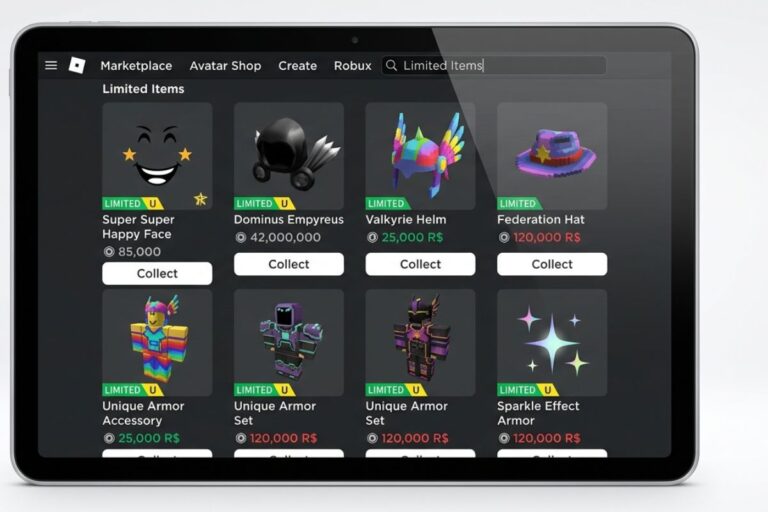
- Robux added through a gift card PIN counts toward your account balance just like Robux purchased directly, so you can use it in any Roblox game or on the Avatar Shop.
- Promo code items go into your inventory but do not convert to Robux. They are cosmetic items only.
- You can only redeem Roblox codes on a web browser, not through the Roblox mobile app on iPhone or Android.
- If you have a Roblox Premium subscription, the Robux you earn each month is separate from any gift card balance.
- Roblox sometimes releases limited promo codes through their official social media accounts, so following @Roblox on Twitter/X is a good way to catch new codes early.
- Parents can set spending limits and control purchases through the Roblox parental controls page, which is worth setting up before adding Robux to a child’s account.
Frequently Asked Questions
Q: Can I redeem Robux codes on the Roblox mobile app?
No, you cannot redeem any type of Roblox code through the mobile app.
Gift card PINs and promo codes can only be redeemed through a web browser on the Roblox website. Open your browser, go to roblox.com/redeem or roblox.com/promocodes, log in, and enter your code there.
Q: How long does it take for Robux to show up after redeeming a gift card?
Robux from a gift card PIN usually appears in your account instantly after a successful redemption.
You should see your updated balance right away at the top of the screen. If it does not show up after a few minutes, try refreshing the page or logging out and back in.
Q: Can two people use the same Roblox gift card?
No, each gift card PIN can only be redeemed one time by one account.
Once a PIN has been entered and confirmed, it is marked as used and cannot be entered again. This is why you should keep your PIN private and not share it with anyone before you redeem it.
Q: What happens if I redeem a gift card on the wrong Roblox account?
Unfortunately, Robux cannot be moved from one account to another once a gift card has been redeemed.
This is why it is important to double-check which account you are logged into before hitting the redeem button. If this happens, you can contact Roblox support to explain the situation, but transfers are not guaranteed.
Q: Are there any free legitimate ways to earn Robux without buying a gift card?
Yes, there are a few legitimate ways, though they take time and effort.
If you have a Roblox Premium membership, you receive a monthly Robux allowance. You can also earn Robux by creating games or selling items in the Avatar Shop through the Developer Exchange program. Outside of that, the only real way to get Robux is to purchase it or receive a legitimate gift card.
The Bottom Line on How to Redeem Robux Codes
Knowing how to redeem Robux codes correctly takes less than five minutes once you know where to go. Always use the official Roblox website, match the right code type to the right page, and never share your account information with anyone or enter your code on a site that is not roblox.com.
Your next step is simple: grab your gift card or promo code, open a web browser, and head to roblox.com/redeem or roblox.com/promocodes. Once your Robux or item is in your account, you are ready to enjoy everything Roblox has to offer.