

Creating a gamepass on Roblox is one of the easiest ways to earn Robux from your own game. You build a perk, set a price, and players can buy it directly inside your experience.
Key Takeaways
- You need to publish your game to Roblox before you can add a gamepass to it.
- Gamepasses are one-time purchases, not subscriptions, so players buy them once and keep the perk forever.
- Roblox takes a 30% cut of every sale, so you keep 70% of what players spend.
- You must use Roblox Studio and a script to make the gamepass actually work in your game.
- Setting a fair price between 25 and 100 Robux tends to attract more buyers, especially for new games.
- You can promote your gamepass inside your game using signs, announcements, or a shop GUI.
Getting your first Robux from a game feels great, and gamepasses are one of the most popular ways to do it. This article walks you through how to create gamepass on Roblox for Robux from start to finish, including how to price it, script it, and actually get players to buy it.
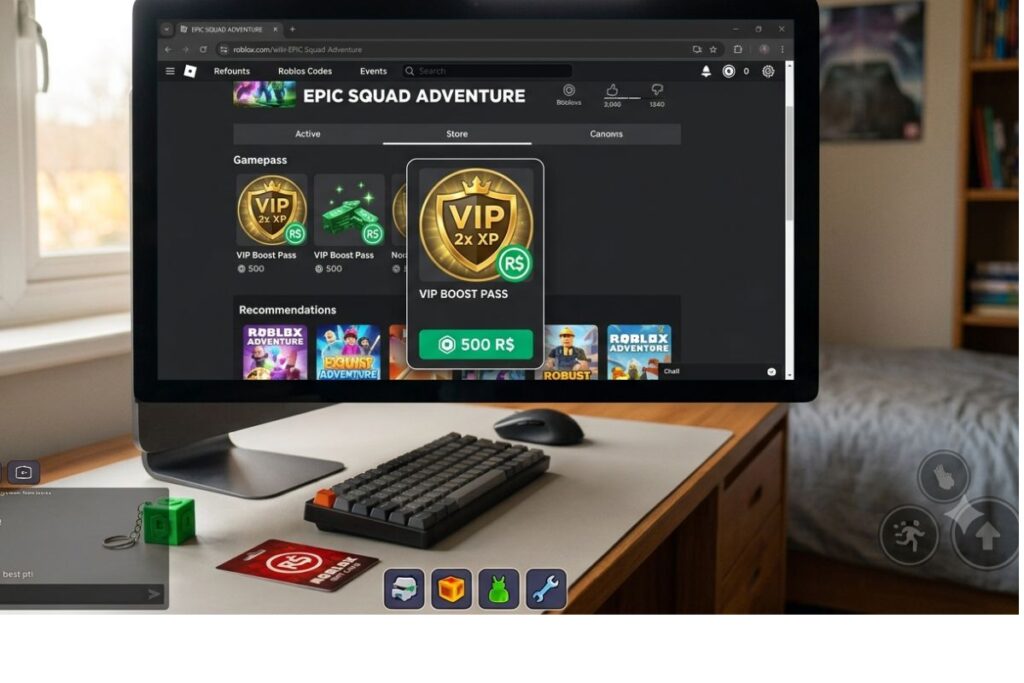
What a Gamepass Actually Is (and Why Players Buy Them)
A gamepass is a one-time purchase that gives a player a special perk or advantage in your Roblox game. Think of it like a VIP ticket. A player buys it once, and they keep whatever benefit comes with it every single time they play.
Common examples of gamepasses include:
- VIP status that gives a special badge or title above a player’s head
- Speed boosts that let players move faster than normal
- Extra lives or health in obby or survival games
- Access to locked areas like a secret room or boss level
- Double XP or coins so players level up faster
The key thing to understand is that the gamepass itself is just a product listing. The actual perk has to be coded into your game using a script in Roblox Studio. Without the script, a player could buy the pass and get absolutely nothing. That part comes later in this article.
According to Roblox’s official developer documentation, gamepasses are one of the primary monetization tools available to creators on the platform, alongside subscriptions and developer products.
Setting Up Your Game Before You Create a Gamepass
You cannot create a gamepass for a game that has not been published yet. If your game is still sitting in Roblox Studio as an unpublished project, you need to publish it first.
Here is how to publish your game:
- Open your game in Roblox Studio.
- Click File in the top menu.
- Click Publish to Roblox As.
- Add a name and description for your game.
- Set the privacy to Public if you want players to be able to find and play it.
- Click Create.
Once your game is live on Roblox, you are ready to create a gamepass for it.
How to Create a Gamepass on Roblox for Robux (The Exact Steps)
This is the core process. Follow each step carefully, and you will have your gamepass listed and ready for players to buy.
Step 1: Go to the Roblox Creator Hub
Open your browser and go to create.roblox.com. Log in with your Roblox account. This is where you manage everything related to your games.
Step 2: Open Your Game
Click on Creations in the left-hand menu. Find the game you want to add a gamepass to and click on it.
Step 3: Go to the Monetization Tab
Once you are inside your game’s settings page, look for the Monetization option in the left-side menu. Click on it, then click on Passes.
Step 4: Click “Create a Pass”
You will see a button that says Create a Pass. Click it.
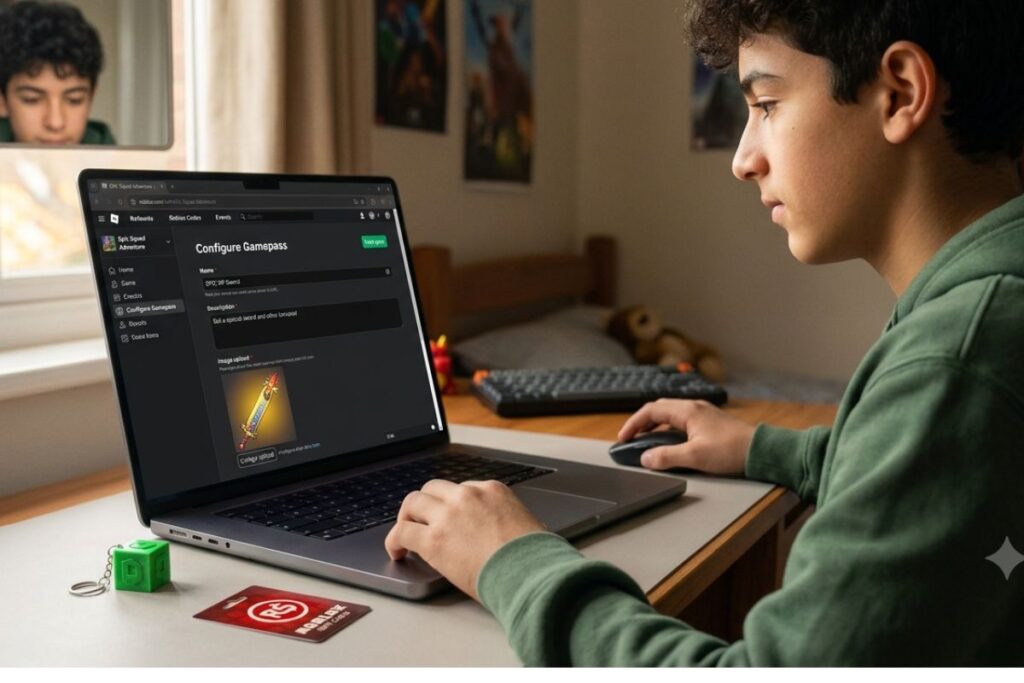
Step 5: Upload an Icon
You need an image for your gamepass. This is what players will see in the store. It should be a square image (at least 150×150 pixels) that clearly shows what the pass is for. For example, if it is a speed pass, use a lightning bolt or running figure.
Roblox will review your image before it goes live. Images that break Roblox’s Community Standards will be rejected, so keep it appropriate.
Step 6: Name Your Gamepass
Give it a clear, simple name. Something like “VIP Pass”, “Speed Boost”, or “Double Coins” works well. Players should know exactly what they are buying just from the name.
Step 7: Add a Description
Write a short description that explains what the player gets. Be specific. “Gives you 2x speed for the entire game” is much better than just saying “makes you faster.”
Step 8: Set Your Price
Enter the price in Robux. You can set it as low as 1 Robux. More on how to pick the right price in the next section.
Step 9: Click Save
After saving, your gamepass will go through a short review process by Roblox. Once approved, it will appear in your game’s store automatically.
How to Price Your Gamepass to Actually Get Sales
Pricing is something a lot of new creators get wrong. They either price their passes way too high and get no buyers, or way too low and earn almost nothing.
Here is a simple breakdown to help you think about pricing:
| Gamepass Type | Suggested Price Range | Notes |
|---|---|---|
| Small perk (cosmetic, title) | 25 – 50 Robux | Easy impulse buy for most players |
| Mid-tier perk (speed, jump) | 50 – 100 Robux | Sweet spot for gameplay advantages |
| Major perk (VIP area, double XP) | 100 – 300 Robux | Only works if your game has active players |
| Premium VIP bundle | 300 – 500 Robux | Best for established games with loyal fans |
Keep in mind that Roblox takes a 30% cut of every sale. So if you price a pass at 100 Robux, you actually receive 70 Robux. This is important to factor in when you are deciding your price.
You can read more about how Roblox handles creator earnings on the Roblox DevEx (Developer Exchange) information page.
Scripting Your Gamepass So It Actually Works
Creating the listing is only half the job. Without a script, your gamepass is just an empty purchase. Here is how to connect it to a real perk in your game.
Step 1: Get Your Gamepass ID
Go back to your gamepass page in the Creator Hub. Look at the URL in your browser. You will see a number in the web address. That is your gamepass ID. Copy it, because you will need it for the script.
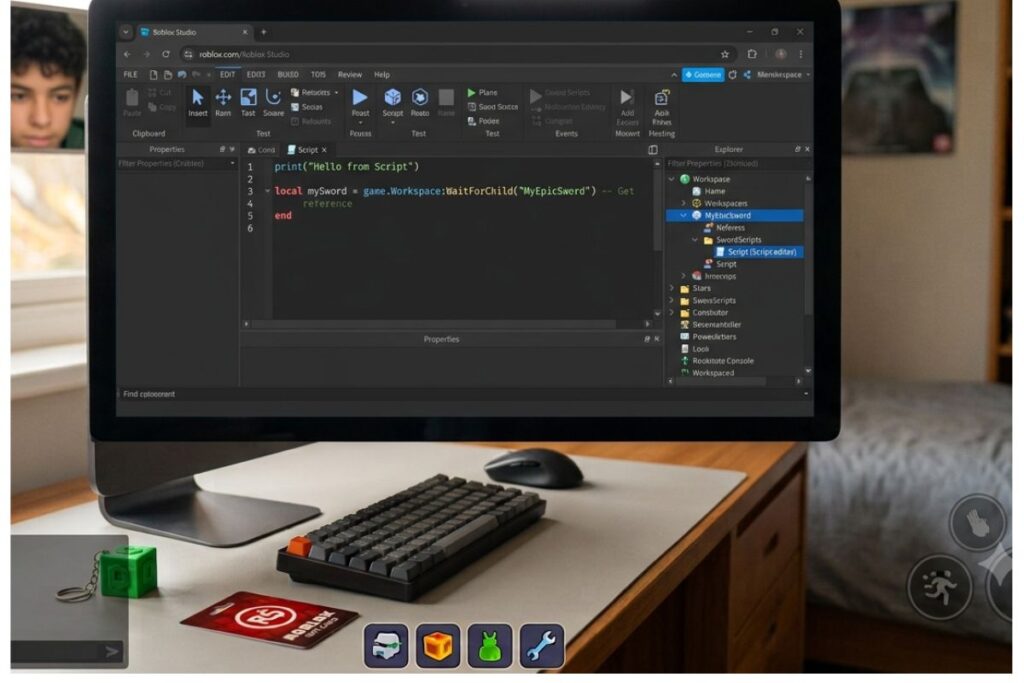
Step 2: Open Roblox Studio
Open your game in Roblox Studio.
Step 3: Add a Script to ServerScriptService
In the Explorer panel on the right, find ServerScriptService. Right-click it and add a new Script.
Step 4: Write the Script
Here is a basic example of what the script looks like for a speed boost gamepass:
local MarketplaceService = game:GetService("MarketplaceService")
local Players = game:GetService("Players")

local gamepassId = 000000000 -- Replace with your actual gamepass ID

Players.PlayerAdded:Connect(function(player)
    player.CharacterAdded:Connect(function(character)
        if MarketplaceService:UserOwnsGamePassAsync(player.UserId, gamepassId) then
            local humanoid = character:WaitForChild("Humanoid")
            humanoid.WalkSpeed = 30 -- Normal is 16
        end
    end)
end)
Replace 000000000 with your real gamepass ID. This script checks if the player owns the pass each time they spawn. If they do, it gives them extra speed automatically.
If you are new to scripting, the Roblox Scripting Tutorials on the official Creator Hub are a great starting point. They are free and written in a way that beginners can follow.
Getting Players to Actually Buy Your Gamepass
You could have the best gamepass in Roblox history, but if players do not know it exists, no one will buy it. Here are some practical ways to promote it inside your game:
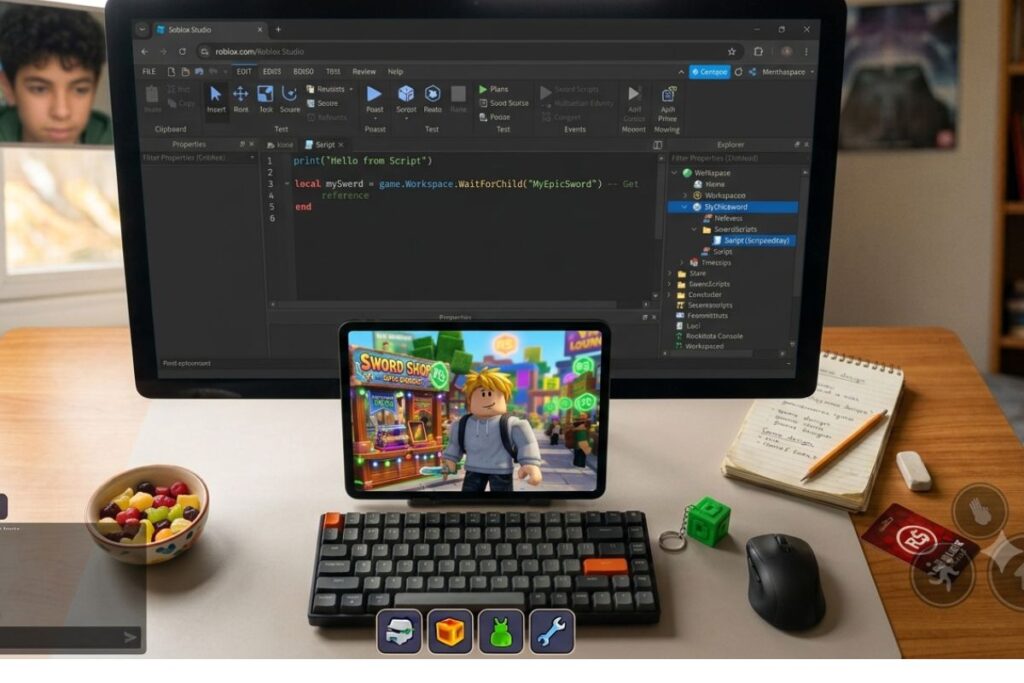
- Add a shop area: Create a dedicated part of your map where players can browse and buy passes. Use a GUI (graphical user interface) or a shop NPC to show available passes.
- Use in-game signs: Place billboards or signs near the spawn area that show what passes are available and what they cost.
- Announce in the game chat: Use a script to post a message in the chat when a player joins, letting them know about your passes.
- Reward buyers publicly: Show a short message like “Player123 just bought the VIP Pass!” when a purchase happens. This creates social proof and curiosity.
- Make the perk visible: If your speed boost makes players noticeably faster, other players will want it. Do not make perks invisible or subtle.
Things to Know
- Gamepasses are permanent. Once a player buys one, they keep it forever, even if you update the game. If you want to sell something that expires or can be bought multiple times (like in-game coins), use Developer Products instead.
- Your gamepass icon goes through a moderation review. It can take anywhere from a few minutes to a day or two to get approved.
- You can edit your gamepass name, description, and price at any time from the Creator Hub without affecting existing buyers.
- Roblox Premium members get a 10% bonus when buying Robux, which can make your passes more appealing to them.
- The FTC has rules around advertising to children, so if you are running any promotions for your game or passes, be mindful of honest and clear advertising.
- You need at least 30,000 Robux in your account to use DevEx (Developer Exchange), which lets you convert Robux into real money (USD).
Frequently Asked Questions
Q: Do I need Roblox Premium to create a gamepass?
No, you do not need Roblox Premium to create a gamepass.
Any Roblox account can create and sell gamepasses for free. However, having Premium does give you a small Robux bonus each month, which many active creators find helpful.
Q: How long does it take for a gamepass to get approved?
Most gamepasses are reviewed and approved within a few hours, though it can occasionally take up to 48 hours.
Roblox reviews the icon image you upload to make sure it follows community guidelines. As long as your image is appropriate and clear, it usually gets through quickly.
Q: Can I change the price of my gamepass after it is live?
Yes, you can update the price of your gamepass at any time from the Creator Hub.
Changing the price does not affect players who already purchased it. They keep their perk regardless of what the price changes to later.
Q: Why is my gamepass not showing up in my game?
Your gamepass might not be showing up because it is still under review or because it has not been toggled to “on sale” status.
Go to the Monetization section of your game in the Creator Hub and double-check that the pass is marked as active and for sale. Also confirm that your game is published and public.
Q: How much Robux will I actually make from a gamepass sale?
You keep 70% of every sale, because Roblox takes a 30% marketplace fee.
So if a player buys a 100 Robux pass, you earn 70 Robux. If you sell 50 of those passes, you would earn 3,500 Robux total.
The Bottom Line on How to Create Gamepass on Roblox for Robux
Knowing how to create gamepass on Roblox for Robux is a skill that every serious Roblox developer should learn early. It does not take long to set up, and a well-priced, well-scripted pass can bring in a steady stream of Robux as your game grows.
Start simple. Pick one clear perk, set a fair price, write the script, and publish it. Once you see how it works, you can add more passes and build out a full in-game store. The best Roblox developers started exactly where you are right now.
Head over to create.roblox.com today, open your game, and add your first gamepass. You might be surprised how quickly players start buying it.