

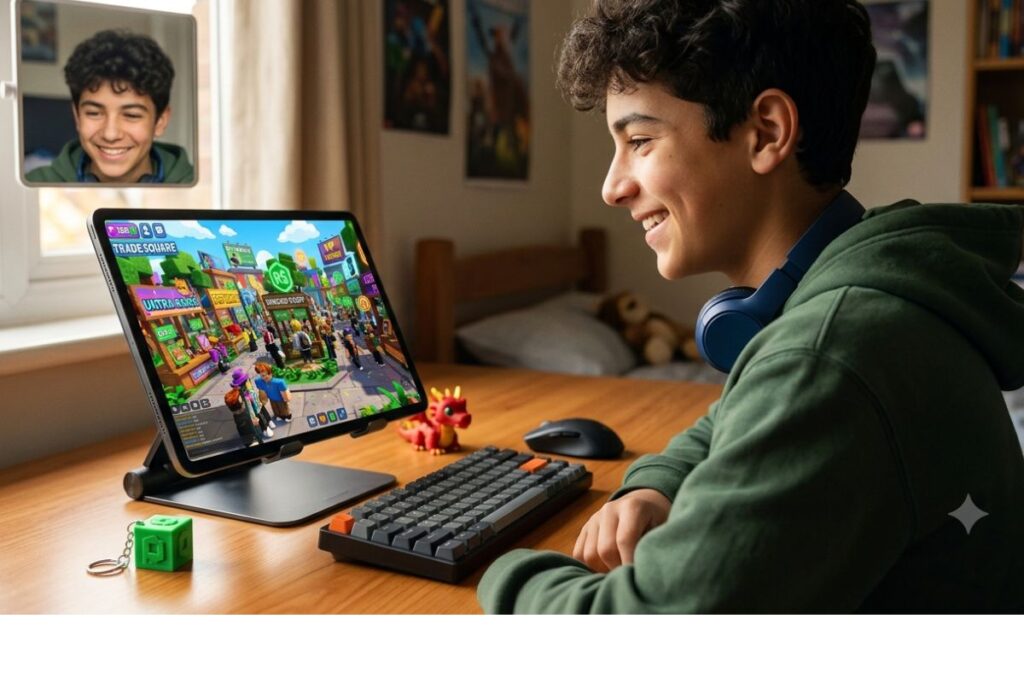
Donating Robux on Please Donate is simple: you visit a player’s booth in a Please Donate game server, pick a shirt or pants they created, buy it, and the Robux goes to them. The whole process takes less than a minute once you know where to look.
Key Takeaways
- Please Donate is a free Roblox game where players set up booths and sell clothing items to receive Robux donations.
- You need a Roblox account with Robux to donate, and the person receiving donations needs Premium to earn from clothing sales.
- Decorating your booth and sharing your server link are the two biggest ways to attract more donors.
- Roblox takes a 30% cut from every clothing sale, so creators keep 70% of what they earn.
- Never share your password or personal info with anyone claiming to help you get donations.
- Kids and teens should always get a parent or guardian involved before spending Robux online.
What Please Donate Actually Is
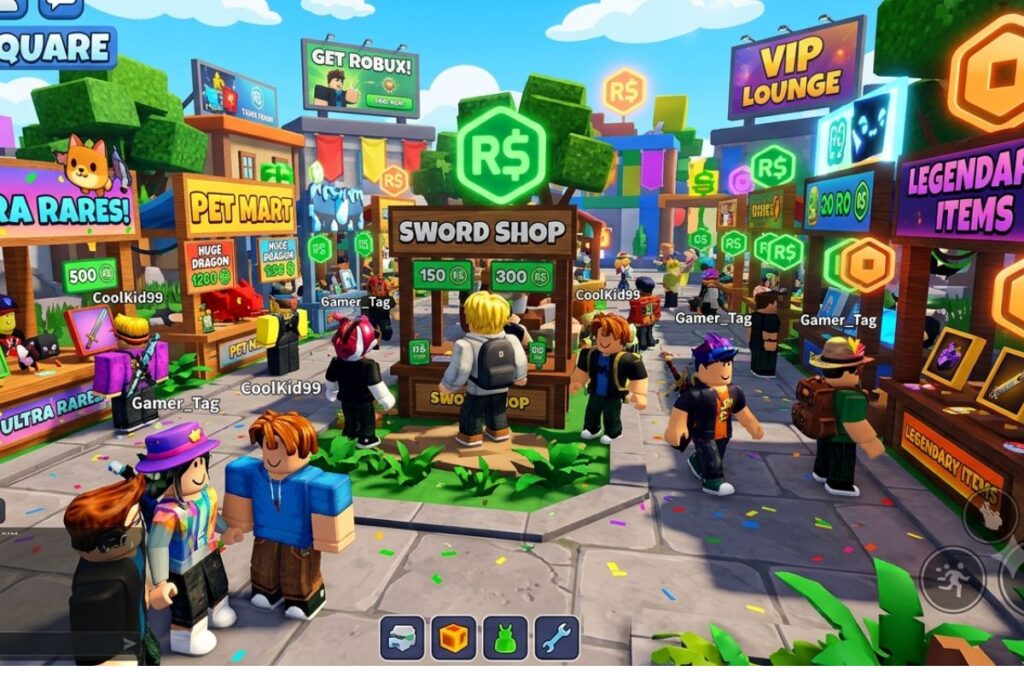
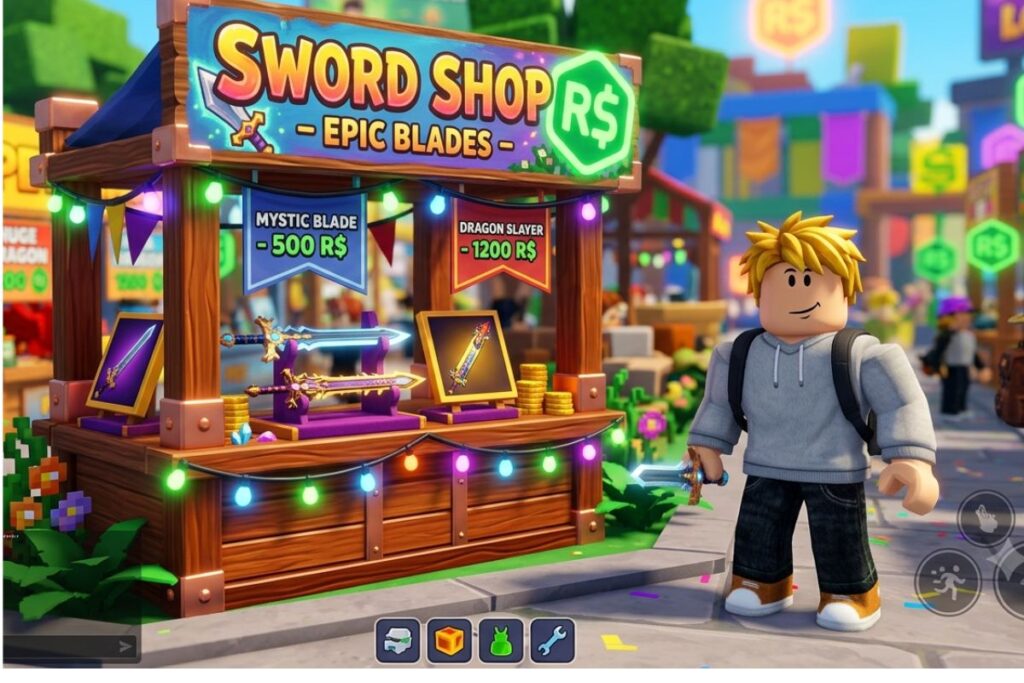
Please Donate is a popular Roblox game created by a developer called Texon. The whole idea is pretty straightforward. Players who want to receive Robux set up a virtual booth inside the game. They upload a shirt or pants item to Roblox, price it, and then link it to their booth. When someone visits their booth and buys that clothing item, the booth owner gets the Robux.
Think of it like a tiny virtual market. You walk around the server, browse other players’ booths, and if you feel like supporting someone, you buy their item. The game has become one of the most visited experiences on Roblox, with millions of visits because it taps into something people genuinely enjoy: helping others out.
It is worth knowing that Please Donate does not use a direct tipping system. Roblox does not have a built-in feature where you can just hand Robux to another player. Instead, the clothing purchase method is the workaround that makes it all possible. That is why understanding how the process works on both sides (donating and receiving) matters before you jump in.
How to Donate Robux on Please Donate: Step by Step
Learning how to donate Robux on Please Donate is easy once you break it down into small steps. Here is exactly what you need to do.
Before you start, make sure you have:
- A Roblox account
- Some Robux in your account
- The Roblox app or website open on your device
Step 1: Open Roblox and search for “Please Donate”
Go to the Roblox website or app and type “Please Donate” into the search bar. Look for the game by Texon. It has a green icon and a very high visit count, so it is easy to spot.
Step 2: Join a server
Click the green Play button to join a server. You will load into a large open room filled with booths. Each booth belongs to a different player.
Step 3: Walk up to a booth
Use your avatar to walk over to any booth you want to support. You will see the player’s username displayed on the booth, along with any clothing items they have listed.
Step 4: Click on the item
When you walk close enough, a prompt will appear on screen. Click on the shirt or pants item listed at the booth. This will open a purchase window.
Step 5: Confirm your purchase
You will see the item’s price in Robux. Click the buy button to confirm. Once the purchase goes through, the Robux is transferred to the booth owner (after Roblox’s cut, which is explained below).
That is it. You have successfully donated. The booth owner will see their Robux balance increase, and you will have a new clothing item in your Roblox inventory.
A few things to keep in mind:
- You can donate to as many booths as you want in one session.
- There is no limit on how much you can donate per visit.
- The minimum amount is whatever the booth owner sets for their item price.
How to Set Up Your Own Booth to Receive Donations
If you want to be on the receiving end and collect Robux from other players, you need to do a little more work upfront. Here is how to get your booth ready.
What you need to set up a booth:
- A Roblox account with the Premium membership (required to sell clothing and earn Robux from sales)
- A shirt or pants item uploaded to Roblox
- Access to the Please Donate game
Step 1: Create a clothing item on Roblox
Go to the Roblox Creator Hub and use the clothing upload feature to create a simple shirt or pants. You do not need to be an artist. Even a plain colored shirt works fine. Keep in mind there is a small upload fee (usually 10 Robux) per item.
Step 2: Set the price
When uploading, set a price for your item. Most players set theirs between 5 and 100 Robux. Setting it too high might discourage donations.
Step 3: Join Please Donate and claim your booth
Once inside the game, walk up to an unclaimed booth and interact with it. You will be prompted to link your clothing item to the booth.
Step 4: Decorate and customize
You can add signs and decorations to your booth to make it stand out. Players with eye-catching booths tend to get more visitors and more donations.
Step 5: Share your server
Copy your server link and share it with friends on Discord, social media, or in Roblox groups. More visitors to your server means more chances of getting donations.
The Robux Cut: What You Actually Keep
Here is something important that a lot of new players miss. Roblox takes a percentage of every clothing sale made through the platform. According to Roblox’s official developer documentation, creators keep 70% of the sale price. Roblox keeps the other 30%.
So if someone buys your 100 Robux shirt, you receive 70 Robux. If someone buys a 10 Robux item, you only get 7 Robux.
Here is a quick breakdown to make it clear:
| Item Price (Robux) | You Keep (70%) | Roblox Takes (30%) |
|---|---|---|
| 5 Robux | 3.5 Robux | 1.5 Robux |
| 10 Robux | 7 Robux | 3 Robux |
| 25 Robux | 17.5 Robux | 7.5 Robux |
| 50 Robux | 35 Robux | 15 Robux |
| 100 Robux | 70 Robux | 30 Robux |
Keep this in mind when setting your item price. If you want to earn a round number, adjust your price accordingly.
Also worth noting: to actually withdraw Robux as real money, you need to be at least 13 years old and use Roblox’s DevEx (Developer Exchange) program. For most younger players, Robux stays on the platform and gets used for avatar items, game passes, or other purchases.
Tips to Get More Donations on Please Donate
Getting donations is not guaranteed just because you have a booth. Here are some practical things that actually help.
Make your booth look good. Use a colorful, interesting design for your clothing item. Players are more likely to stop at a booth that looks put together.
Be present in the server. If your avatar is standing near your booth and you are chatting with people, you are more likely to get noticed.
Share your server link everywhere. Post it in your Roblox group, ask friends to join, or share on platforms like Discord or YouTube. Roblox has a large and active community you can tap into.
Set a reasonable price. A 5 or 10 Robux item gets a lot more takers than a 500 Robux one. More sales at a lower price can add up faster than waiting for one big donation.
Say thank you. When someone donates, acknowledge it. Type a thank-you in the chat. It builds goodwill and encourages others watching to donate too.
Staying Safe While Using Please Donate
Online safety matters a lot, especially for kids and teens using Roblox. The Federal Trade Commission (FTC) has solid advice on protecting kids online, and a lot of it applies here.
Here are the most important safety rules when using Please Donate:
- Never share your Roblox password with anyone, even if they claim they can help you get more donations.
- Watch out for scams. Some players might promise to “give you free Robux” if you follow certain steps. These are almost always scams.
- Do not click suspicious links that players share in the chat, even if they look like server links.
- Ask a parent or guardian before spending any Robux, especially if you are using a shared family account or a card linked to the account.
- Report players who harass you or try to scam you using the in-game reporting feature. Roblox takes these reports seriously.
Roblox itself has a safety center with guidelines for younger users, which you can find at Roblox’s Safety Center. It is worth bookmarking if you or your parents want to learn more about how the platform handles safety.
Things to Know
- Roblox does not allow direct Robux transfers between players, which is why the clothing purchase method exists in Please Donate.
- You need a Roblox Premium subscription to sell clothing items and actually receive the Robux from purchases.
- Uploading a clothing item costs a small fee (around 10 Robux), so factor that into your plans before getting started.
- Roblox’s 30% marketplace fee applies to every sale, so always price your items with that cut in mind.
- Some servers in Please Donate can be very crowded, which actually increases your chances of getting seen by more players.
- You cannot exchange or cash out Robux unless you meet Roblox’s DevEx requirements, which include being at least 13 years old and having a minimum Robux balance.
Frequently Asked Questions
Q: Do you need Robux to donate on Please Donate?
Yes, you need Robux in your account to donate to someone on Please Donate.
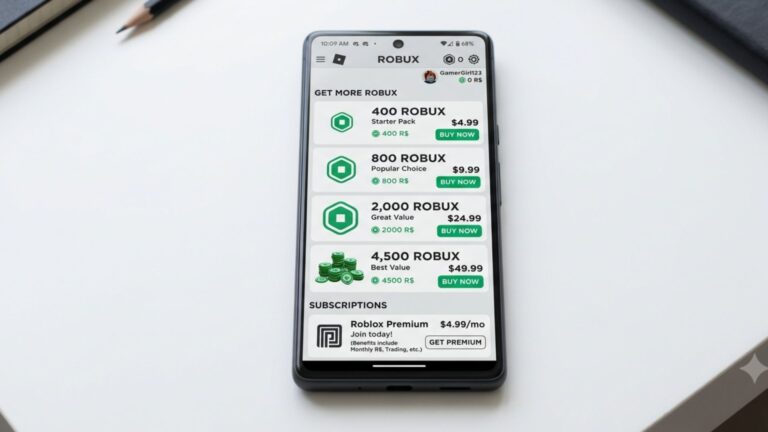
Since donations happen through clothing purchases, you need actual Robux to buy the item. You can buy Robux through the official Roblox website, and prices vary depending on the package you choose.
Q: Does the person receiving donations need Roblox Premium?
Yes, the person receiving donations needs Roblox Premium to actually earn Robux from clothing sales.
Without Premium, Roblox does not pay out Robux earned from selling clothing. The buyer’s Robux still gets spent, but the seller would not receive anything. This is one of the most common mistakes new booth owners make.
Q: Is there a minimum amount you can donate on Please Donate?
The minimum donation amount depends on the lowest price the booth owner sets for their clothing item.
Most booth owners set their items at 5 Robux or more. There is no platform-set minimum, but Roblox requires all items to be priced at least 1 Robux. Keep in mind the 30% fee means very low-priced items result in fractions of a Robux.
Q: Can you get scammed on Please Donate?
Yes, scams do happen in Please Donate servers, so it is important to stay alert.
Common scams include fake promises of free Robux, players asking you to visit suspicious links, or people pretending to be moderators. Never share your login details with anyone and always report suspicious behavior using Roblox’s built-in tools. The Roblox Trust and Safety team handles reports and takes action on rule-breaking accounts.
Q: Can younger kids use Please Donate safely?
Younger kids can use Please Donate, but they should always have a parent or guardian involved.
The game itself is generally safe, but the chat feature means kids can interact with strangers. Parents should review Roblox’s parental controls, which allow you to limit who your child can chat with and how they spend Robux. Checking in on what your child does in the game is always a good idea.
The Bottom Line on How to Donate Robux on Please Donate
Knowing how to donate Robux on Please Donate makes the whole experience a lot more fun and less confusing, whether you are giving or receiving. The process is simple: join a server, find a booth you want to support, buy their clothing item, and you are done. If you want to set up your own booth, just make sure you have Roblox Premium, a clothing item uploaded, and a price that makes sense after the 30% cut.
The biggest action you can take right now is to open Roblox, search for Please Donate, and try it out yourself. Start by donating a small amount to someone else’s booth to see how it works before setting up your own. And if you are a parent reading this alongside your kid, take five minutes to check the Roblox parental control settings so everyone stays safe and has a good time.