

Pending Robux are earnings from Roblox sales that haven’t been released to your account yet, typically held for up to 30 days after a transaction. You can check your pending balance directly from the Roblox mobile app by navigating to your account’s transaction or summary page.
Key Takeaways
- Pending Robux are held for up to 30 days before they become available in your account balance.
- You can check your pending balance through the Roblox app on both iOS and Android devices.
- Pending Robux come from game passes, developer products, and in-experience purchases made through your creations.
- The mobile app shows a slightly different layout than the desktop site, which trips up a lot of users.
- Robux from group payouts and Premium stipends follow different timelines than standard sale earnings.
- You cannot spend pending Robux until they clear, but you can always see exactly how much is waiting.
Why Robux Go “Pending” in the First Place
If you’ve ever sold a game pass or a developer product on Roblox and then immediately checked your wallet only to find your balance unchanged, you’re not imagining things. Roblox puts a hold on earnings from sales to protect against fraud, refunds, and chargebacks. This is a pretty standard practice across digital marketplaces, and Roblox is no exception.
According to Roblox’s official Developer documentation, earnings from sales of items, passes, and developer products go through a pending period before they land in your spendable balance. The standard pending window is roughly 30 days from the date of the transaction. During that window, if a buyer disputes the charge or requests a refund, Roblox can reverse the earnings without it affecting your already-spent balance.
Here’s a quick breakdown of where pending Robux typically come from:
- Game Pass sales: When another player buys a game pass you created, that Robux amount goes pending.
- Developer Products: In-game purchases like extra lives, coins, or boosts generate pending earnings.
- Private Server sales: If you sell access to a private server, those Robux also hold before clearing.
- Group payouts: Group owners can distribute Robux to members, and these can sometimes show a short delay.
- Premium Payouts: These are based on time Premium members spend in your game and clear on a set monthly schedule.
One important thing to understand: Robux you purchase directly with real money (USD) or receive as a gift don’t go through a pending period. The hold only applies to earnings you generate through selling items or experiences.
How to Check Pending Robux on Mobile: Step-by-Step
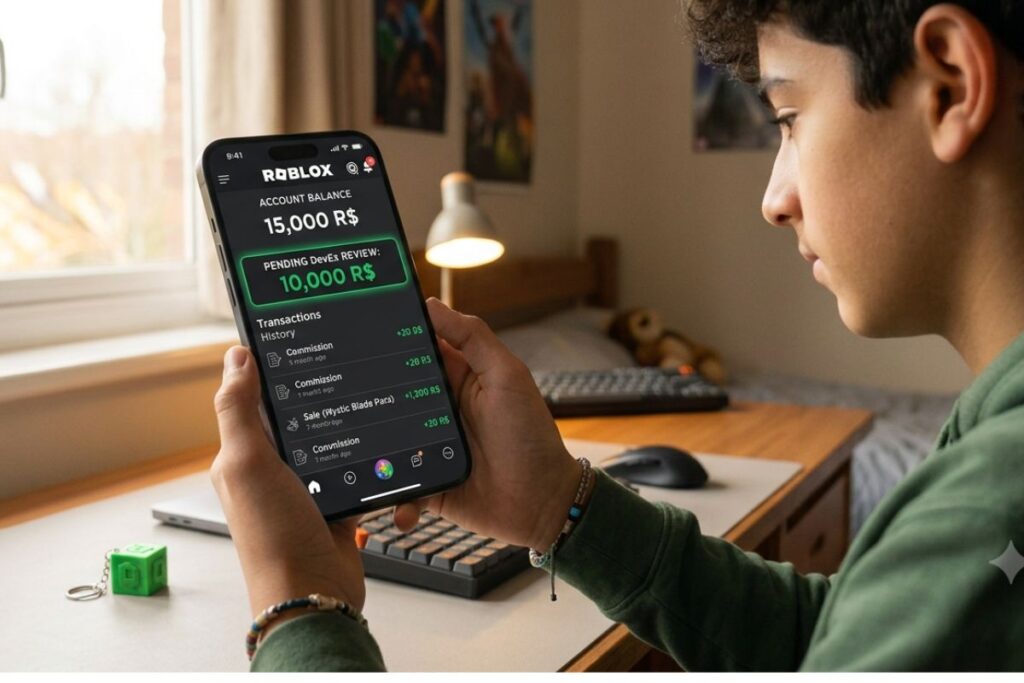
Knowing how to check pending robux on mobile is straightforward once you know where to look, but the navigation has caught plenty of users off guard because the mobile layout differs from the desktop version. Here’s exactly what to do on both iOS and Android devices.
On iPhone (iOS)
- Open the Roblox app on your iPhone.
- Tap the person icon at the bottom right corner of the screen to go to your profile.
- Tap the Robux icon (the green icon at the top of your profile screen, showing your current balance).
- This takes you to the Robux page, which may redirect you to a browser view within the app.
- Scroll down until you see the My Transactions or Summary section.
- Look for the line labeled Pending or Pending Robux — that number is what hasn’t cleared yet.
On Android
The steps are nearly identical on Android:
- Open the Roblox app.
- Tap the profile icon at the bottom of the screen.
- Tap on your current Robux balance at the top.
- The app will open the Robux page in a browser tab or in-app browser.
- Scroll to the Summary section.
- Find the Pending line item under your earnings summary.
One thing worth calling out: Roblox’s mobile app often renders the Robux summary page as a web view rather than a native app screen. This means what you’re actually seeing is the mobile version of the Roblox website displayed inside the app. If it looks a little different than the rest of the app interface, that’s completely normal.
If you don’t see a pending section at all, it may mean you currently have no pending earnings. Players who only purchase Robux and don’t sell anything on the platform won’t have a pending balance.
What the Numbers in Your Robux Summary Actually Mean
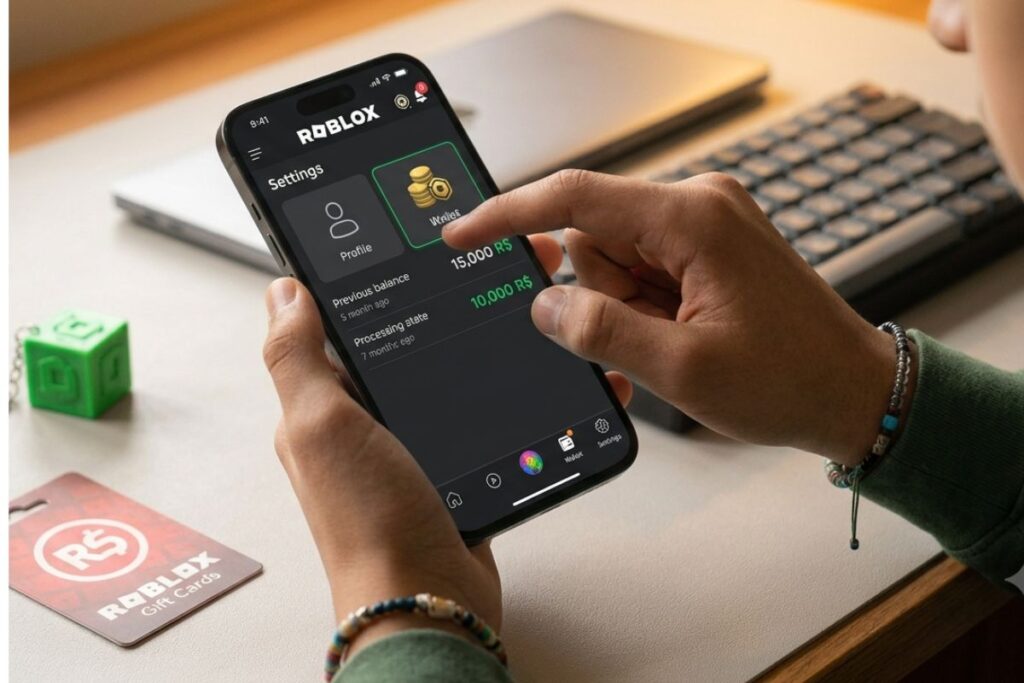
When you get to the summary page, you’ll see several different figures. Understanding each one keeps you from confusing your total balance with what you can actually spend.
| Scenario | Typical Pending Duration |
|---|---|
| Game pass sale (standard account) | 3 to 7 days |
| Developer product sale | 3 to 7 days |
| Clothing/UGC item sale | 3 to 7 days |
| Group payout | Up to 7 days after distribution |
| DevEx (Developer Exchange) cashout | Up to 15 business days after approval |
| Robux purchased directly by you | No pending period, available immediately |
| Robux gifted through a group | Depends on group payout schedule |
The number most people care about is Balance, but if you’re a developer or creator tracking income, Pending is equally important. If you sold a game pass yesterday for 100 Robux (after Roblox’s 30% marketplace fee, that would be 70 Robux net), that 70 won’t show in your spendable balance for about 30 days.
Roblox takes a 30% cut of all sales, which is outlined on the Roblox Creator Hub marketplace policies page. So if you price a game pass at 100 Robux, you earn 70 Robux, and that 70 enters the pending queue. Keeping this math in mind helps when you’re forecasting your actual earnings.
Common Reasons Your Pending Balance Looks Wrong
It happens all the time: you check your pending Robux and the number doesn’t match what you expected. A few things could explain the discrepancy.
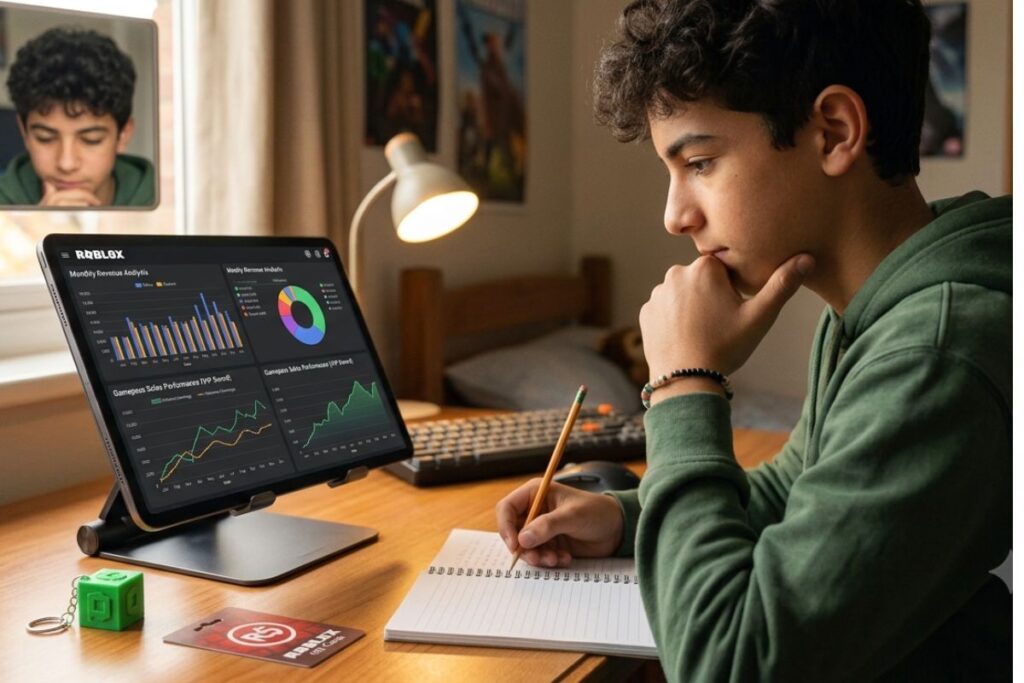
Sales are rolling 30-day holds. Each individual sale starts its own 30-day clock. So if you made 10 sales over 10 days, each one clears on a slightly different date. Your pending number is the sum of all those individual holds at any given moment.
Group payouts have a separate flow. If you’re in a Roblox group and the group owner distributed Robux to you, those earnings follow a slightly different pipeline. According to Roblox’s help center at roblox.com/help, group payouts are still subject to the standard pending period, but the start date is tied to when the payout was initiated by the group owner, not when you received the notification.
Refunds and reversals reduce the pending total. If a buyer gets a refund, the corresponding Robux are pulled from your pending queue. This can make your balance drop without any action on your part.
Premium Payouts clear monthly. If some of your pending income is from Premium Payouts (which you earn when Premium subscribers play your games), those clear on Roblox’s monthly schedule rather than 30 days from the transaction. The NIH’s resources on digital economy literacy aren’t directly relevant here, but understanding how platforms manage digital currency timing is genuinely important for young creators building their first income streams.
Things to Know
- Pending Robux cannot be converted to USD through DevEx (Developer Exchange) until they clear. You must wait for the full hold period.
- If your account is under 13 years old, certain monetization features may be restricted entirely, which would explain why you don’t see a pending section at all.
- Roblox does not send email notifications when pending Robux clear, so you need to check manually.
- The Roblox mobile app is updated frequently, meaning menu layouts can shift between versions. If a step doesn’t match exactly, try updating the app first.
- Pending Robux are not insured or guaranteed if Roblox terminates your account for a terms of service violation before they clear.
- Third-party apps or websites claiming to show your pending Robux are not authorized by Roblox and should be avoided entirely, as they are common phishing vectors. The FTC has resources on avoiding online scams that are worth reviewing if you’re unsure about a site.
Checking Pending Robux Without the App
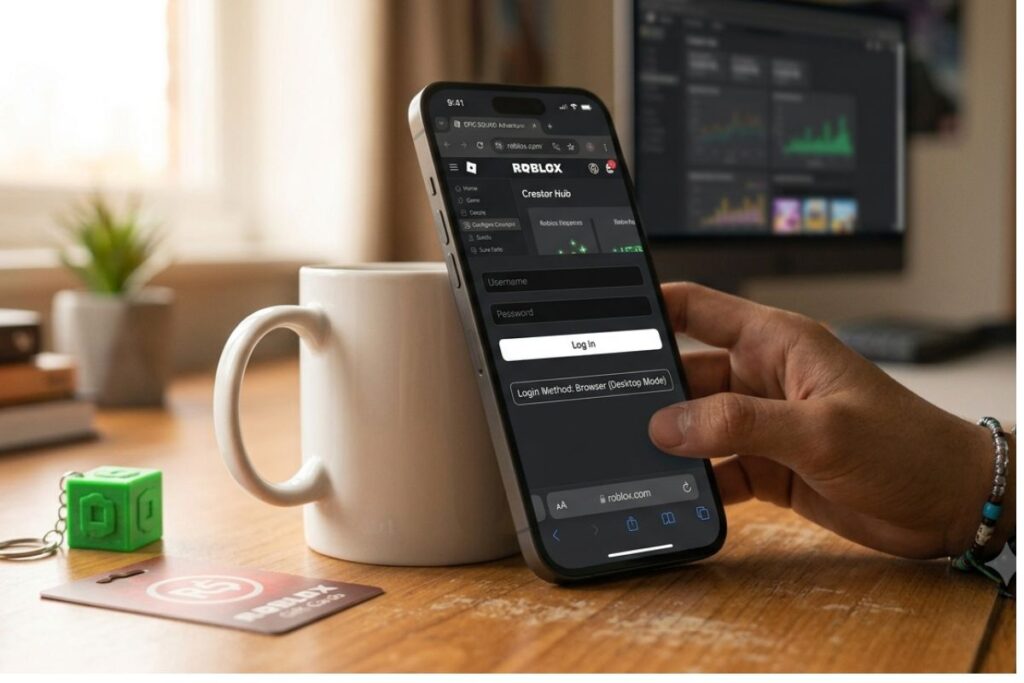
If you’re having trouble with the mobile app layout, you can also check through a mobile browser as an alternative. Open Safari or Chrome on your phone, go to roblox.com, and log into your account. From there:
- Tap the three-line menu (hamburger icon) in the top left.
- Tap Robux or your balance display.
- On the Robux page, scroll down to the Summary section.
- Your Pending line will be visible there.
This browser method often gives you a cleaner view than the in-app browser, especially if the app is glitching or hasn’t updated recently. Some users find the desktop site layout easier to read, even when accessed from a phone.
Frequently Asked Questions
Q: Why can’t I see a pending Robux section on my mobile app?
If you don’t sell anything on Roblox, there’s no pending section because you have no earnings to hold.
The pending section only appears for accounts with active or past earnings from sales, game passes, developer products, or group payouts. If you only purchase Robux directly, you won’t see this section. You may also be looking at an outdated version of the app, so try updating it from the App Store or Google Play.
Q: How long does it take for pending Robux to become available?
Pending Robux typically clear and become spendable after a 30-day holding period from the date of the sale.
The exact timing can vary slightly based on the type of transaction. Developer product and game pass earnings generally follow the standard 30-day window, while Premium Payouts clear on a monthly schedule set by Roblox. There is no way to speed up the clearing process.
Q: Can I use pending Robux to buy items in the catalog?
No, pending Robux cannot be spent until they clear and move into your available balance.
Only the amount shown under “Balance” is spendable. Your pending amount is essentially a future balance. Once it clears, it gets added to your spendable total automatically without any action needed on your end.
Q: Does Roblox charge a fee on pending Robux?
The 30% marketplace fee is already deducted before the Robux enter the pending queue, so there are no additional charges during the hold period.
What you see in your pending balance is your net earnings after Roblox’s cut. For example, a 100 Robux sale shows as 70 Robux pending. No further fees apply during or after the hold.
Q: Is it safe to use third-party tools to track pending Robux?
No, third-party sites claiming to show your pending Robux are not officially supported and many are phishing scams.
Roblox’s official platform is the only legitimate place to check your balance. Entering your Roblox credentials on unauthorized sites can lead to account theft. Always verify you’re on the official roblox.com domain before logging in.
The Bottom Line on How to Check Pending Robux on Mobile
Knowing how to check pending robux on mobile is one of those small but genuinely useful skills for any Roblox creator. The process takes less than a minute once you’ve done it once, and keeping an eye on your pending balance helps you plan your spending, track your earnings, and catch any unexpected reversals early.
Your next step: open the Roblox app right now, tap your profile, tap your balance, and scroll to the Summary section. Make a habit of checking it weekly if you’re actively selling items or running a game, so you always know what’s incoming and when it lands.