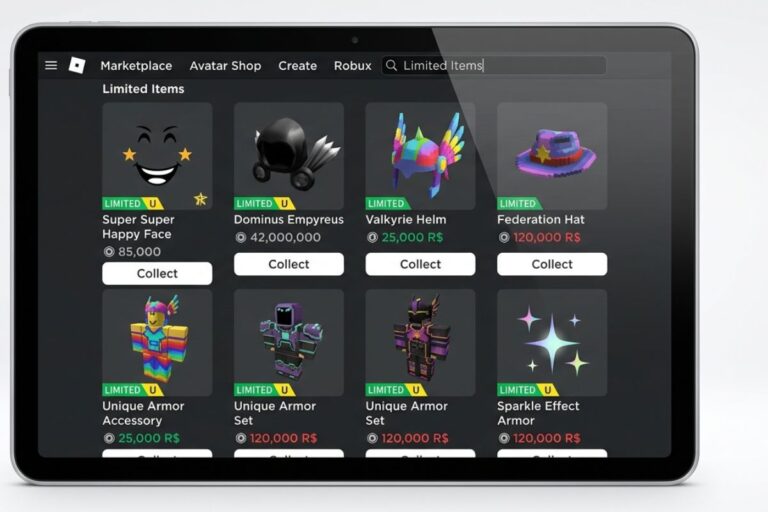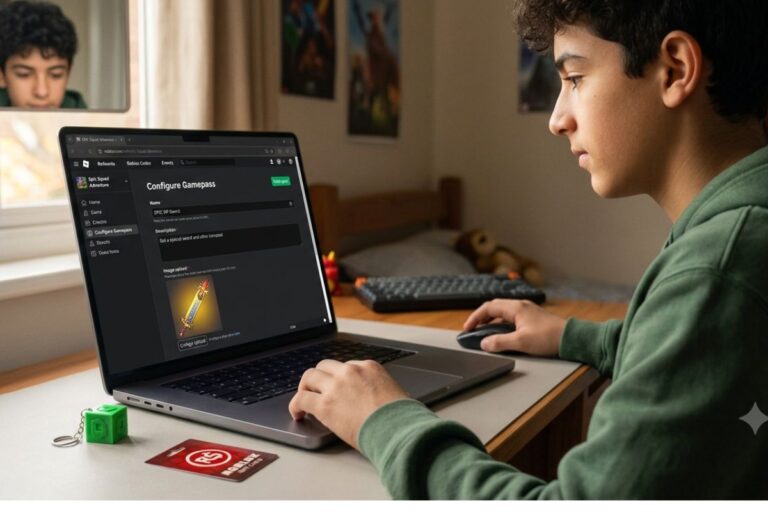


You can get Robux from Microsoft Rewards on mobile by earning points through Bing searches and Microsoft apps, then redeeming those points for a Roblox gift card. It takes some patience, but it is completely free and works right from your phone or tablet.
Key Takeaways
- Microsoft Rewards lets you earn free points through everyday tasks like searching on Bing and taking quizzes.
- You can redeem those points for a Roblox gift card, which you then use to add Robux to your account.
- The whole process works on mobile devices including iPhones, Android phones, and iPads.
- You need a Microsoft account to get started, and signing up is free.
- Consistency matters: doing your daily tasks every day is the fastest way to stack up enough points.
- Younger users under 13 need a parent or guardian to set up a Microsoft account for them.
What Microsoft Rewards Actually Is
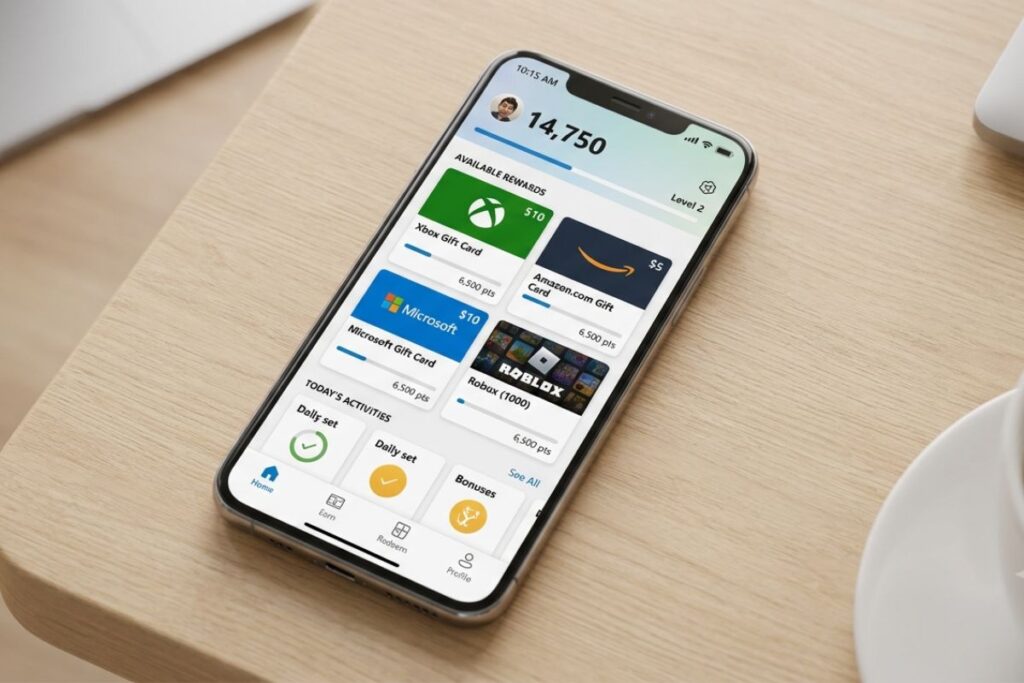
Microsoft Rewards is a free loyalty program run by Microsoft. You earn points by doing simple things like searching on Bing, shopping on the Microsoft Store, taking short quizzes, and completing daily tasks. Once you have enough points, you can swap them for gift cards, sweepstakes entries, or donations to charity.
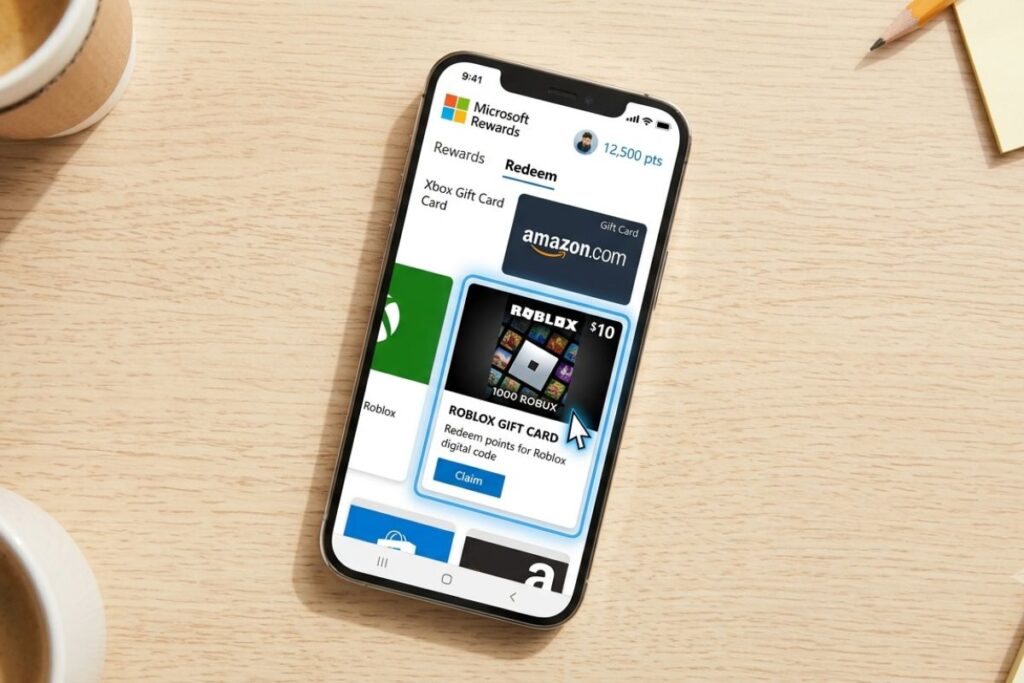
For Roblox players, the most exciting option is the Roblox gift card. You can cash in your points for a $10 Roblox gift card, which gives you 800 Robux. Some redemption options go higher too, giving you more Robux for more points.
According to Microsoft’s official Rewards page, the program is available in the United States and many other countries. It costs nothing to join, and there is no subscription required.
Setting Up Your Microsoft Account on Mobile
Before you can earn any points, you need a Microsoft account. If you already use Xbox, Outlook, or any Microsoft product, you likely already have one.
Here is how to get set up on mobile:
- Go to account.microsoft.com on your phone’s browser, or download the Microsoft app from the App Store or Google Play.
- Tap “Create a Microsoft account” if you do not have one yet.
- Enter your email address (or create a new Outlook address) and set a password.
- If you are under 13, a parent or guardian will need to create the account and add you as a family member through Microsoft Family Safety.
- Once your account is active, visit rewards.microsoft.com on your mobile browser and sign in.
- Click “Join Now” to activate Microsoft Rewards on your account.
That is it. Your dashboard will show your current point balance and available tasks as soon as you join.
How to Earn Points on Your Phone
This is where things get interesting. There are several easy ways to rack up points right from your mobile device.
Daily Searches on Bing
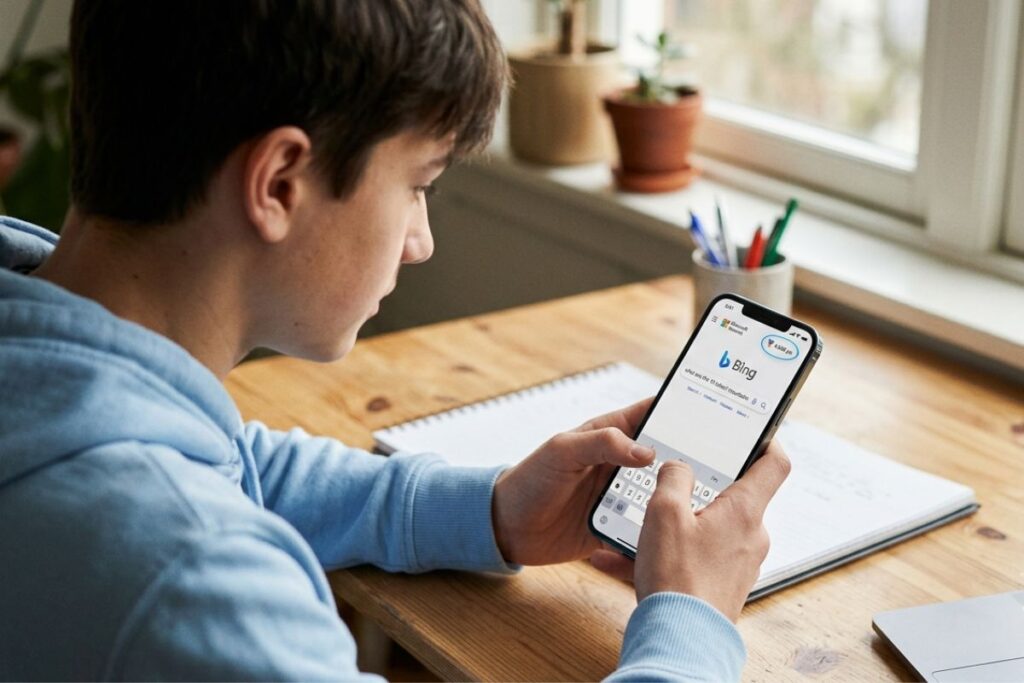
The easiest and most consistent way to earn points is by doing your daily searches through Bing. On mobile, you can earn up to 20 points per day just from searching. That might not sound like much, but it adds up fast if you do it every single day.
Download the Microsoft Bing app on your iPhone or Android device and use it as your browser for everyday searches. Switch your default search engine to Bing in your browser settings to make it even easier.
Daily Set and Bonus Tasks
Every day, Microsoft Rewards offers a “Daily Set,” which is a small group of tasks like answering a quiz question or clicking on a news story. Completing all three daily tasks gives you bonus points on top of your normal earnings.
There are also weekly bonus challenges and “punch cards” that reward you extra points for completing a set of actions over several days.
Microsoft Edge on Mobile
If you download Microsoft Edge on your phone and set it as your default browser, you can earn even more points per search. Edge users often get a bonus multiplier during special promotions.
Shopping and App Offers
Microsoft Rewards sometimes offers point bonuses for buying things from the Microsoft Store or trying out certain apps. Keep an eye on the “Offers” tab in your Rewards dashboard for these.
How Many Points Do You Need for Robux?
Here is a quick breakdown of what your points are worth when it comes to Roblox gift cards:
| Points Needed | Gift Card Value | Robux You Get |
|---|---|---|
| 5,000 points | $5 Roblox Gift Card | 400 Robux |
| 8,750 points | $10 Roblox Gift Card | 800 Robux |
| 17,500 points | $20 Roblox Gift Card | 1,700 Robux |
| 43,750 points | $50 Roblox Gift Card | 4,500 Robux |
Keep in mind that point-to-dollar values can change during promotions, so it is worth checking the Rewards dashboard often. The $10 gift card is usually the most popular starting goal for most players.
At about 150 to 200 points per day from regular use, you can realistically reach the 5,000-point mark in about a month. Stay consistent with your daily tasks and you will get there even faster.
Things to Know
- Microsoft Rewards points do expire. Points are removed from your account if your account is inactive for 18 months, so keep logging in regularly.
- Your account level matters. Level 2 members (reached after earning 500 lifetime points) get better point rates on searches, so it pays to stick with the program.
- You cannot transfer points between Microsoft accounts. Make sure you are always earning on the same account you plan to redeem from.
- Gift cards are delivered digitally as a code. You will get the code by email, and you enter it directly into Roblox’s gift card redemption page.
- Some daily tasks reset at midnight Pacific Time, not your local time. Keep that in mind when planning your daily routine.
- Not every country gets the same redemption options. If you are in the United States, you will have full access to the Roblox gift card rewards.
How to Redeem Your Points for a Roblox Gift Card
Once you have enough points saved up, redeeming them is simple.
- Open your phone’s browser and go to rewards.microsoft.com.
- Sign in to your Microsoft account.
- Tap the “Redeem” tab at the top of the page.
- Search for “Roblox” in the search bar on the redeem page.
- Select the Roblox gift card option that matches your point balance.
- Confirm your redemption. Microsoft will send the gift card code to your email within a few minutes.
Once you have the code, head over to Roblox’s gift card redemption page and enter it there. The Robux will be added to your account right away.
What to Spend Your Robux On
So you finally have your Robux. Now the fun part begins. There are tons of great games and items to spend them on inside Roblox. If you love pets and collecting, check out pet simulator x building your virtual pet empire to get ideas on how to use your Robux in that world.
If you are into building and home design, welcome to bloxburg the popular roleplaying game on roblox breaks down everything you can do with your Robux in Bloxburg, including buying premium plots and furniture.
For fans of adventure and combat, blox fruits a popular game in roblox covers how to use Robux to get new powers and speed up your progression. And if you prefer hanging out with friends, brookhaven a popular simulation game in roblox walks you through the best ways to spend Robux in that game.
Roblox has come a long way since it first launched. If you are curious about the platform’s journey over the years, the evolution a comprehensive history of roblox is a great read for any fan.
You can also visit the blog for more tips, game reviews, and Robux strategies that are updated regularly.
Tips for Earning Points Faster
Want to hit your Robux goal quicker? Here are some proven strategies:
- Do your daily tasks every single day. The points from daily searches and the Daily Set are small on their own, but they compound fast over weeks.
- Complete punch cards. These reward you with big bonus points for doing the same type of task several days in a row.
- Watch for bonus point promotions. Microsoft often runs limited-time deals where tasks are worth double or triple the normal points.
- Use the Microsoft Rewards app. The dedicated app sends you reminders when new tasks are available so you never miss a day.
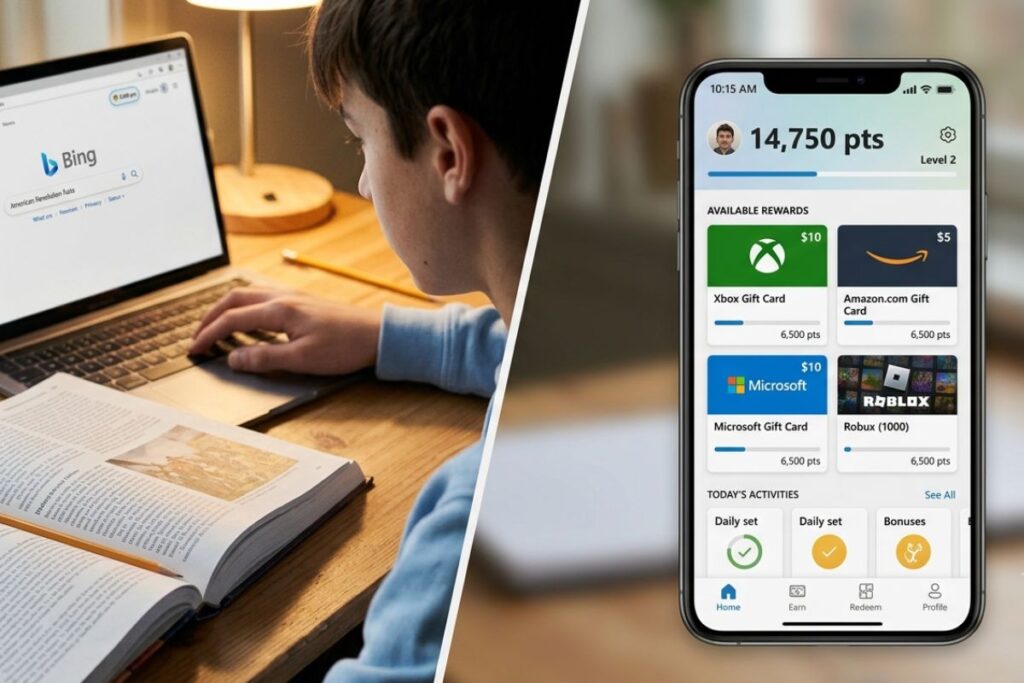
- Use Bing for school research. If you need to look something up for homework or a project, doing it through Bing counts toward your daily point limit.
According to the Better Business Bureau, Microsoft Rewards has a generally good track record with users in the United States, though some complaints mention slow point crediting. If your points do not show up right away, wait 24 hours before reaching out to support.
Frequently Asked Questions
Q: Does Microsoft Rewards work on iPhones and Android phones?
Yes, Microsoft Rewards works on both iPhones and Android devices through any mobile browser or the Microsoft Rewards app.
You can access your account and complete tasks from Safari on iPhone or Chrome on Android. For the best experience, using the Bing app or Microsoft Edge browser will maximize your daily points.
Q: How long does it take to earn enough points for a Roblox gift card?
At a consistent daily pace, most users can earn enough points for a $5 Roblox gift card in three to four weeks.
If you complete every daily task and take advantage of bonus promotions, you can cut that time down significantly. Earning a $10 gift card typically takes four to eight weeks of regular use.
Q: Is Microsoft Rewards safe for kids and teens?
Yes, Microsoft Rewards is safe for kids and teens, though users under 13 need a parent to help set up the account.
Microsoft uses the Family Safety program to manage younger users’ accounts. Parents can monitor activity and control what their child can access through the dashboard at Microsoft Family Safety.
Q: Can I use my Roblox gift card code on any device?
Yes, a Roblox gift card code can be redeemed on any device including PC, phone, and tablet, and the Robux will appear in your account everywhere.
Just go to roblox.com/redeem, log in to your Roblox account, and enter the code. It does not matter what device you used to earn the gift card.
Q: What happens if I forget to do my daily tasks?
Missing a day just means you miss out on that day’s points. Your existing balance stays safe, and you can pick back up the next day.
There is no penalty for skipping a day, but your streak on punch cards may reset. The best habit is to set a daily phone reminder so you never forget.
The Bottom Line on How to Get Robux From Microsoft Rewards on Mobile
Knowing how to get Robux from Microsoft Rewards on mobile gives you a real, free path to earning Robux without spending any money. It does take some time and daily effort, but if you stay consistent with your searches, daily tasks, and bonus challenges, you will have enough points for a Roblox gift card sooner than you think.
Start today by creating your Microsoft account, joining the Rewards program, and downloading the Bing app on your phone. Set a daily reminder, complete your tasks each morning, and watch your point balance grow toward your first Roblox gift card.