

You cannot directly send Robux to another player on Roblox the way you would send a text message. Instead, there are a few indirect methods that actually work, and knowing which one fits your situation can save you a lot of time and confusion.Regenerate section
Key Takeaways
- Roblox does not have a direct “send Robux” button between players.
- The most reliable method for gifting Robux is through a Roblox Gift Card purchased at a store or online.
- Group funds allow Robux transfers, but only if both people are in the same group and the owner sets it up correctly.
- Buying a game pass in someone’s game is a popular and safe way to pass Robux to a friend.
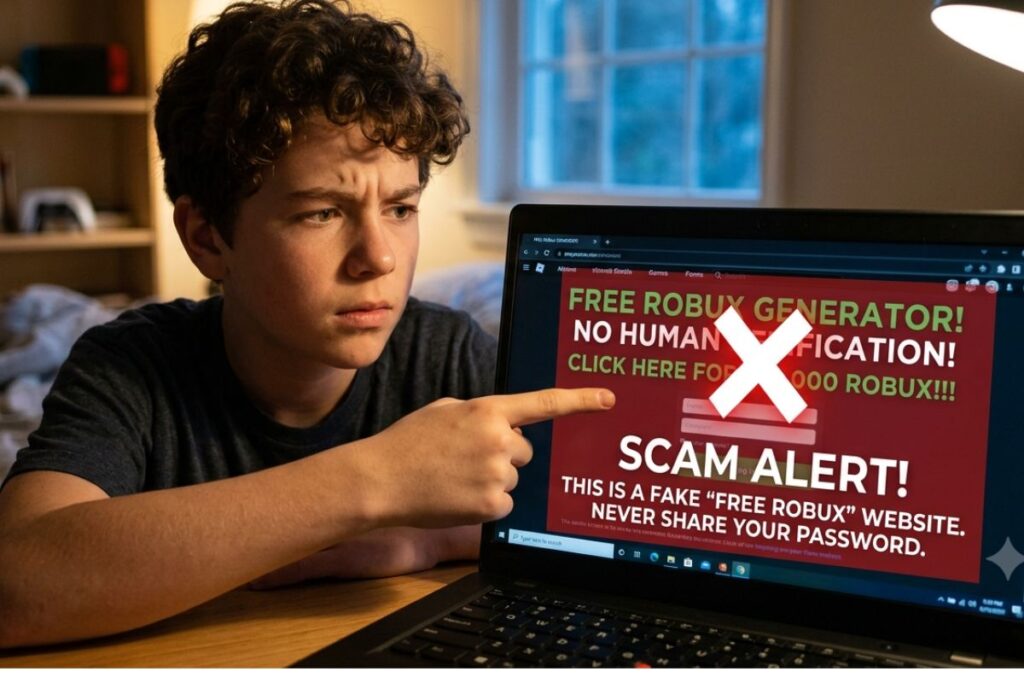
- Scammers often pretend to offer “free Robux” in exchange for your login details. Never share your password with anyone.
- Roblox Premium members can access group payout features more easily than free accounts.
Why Roblox Does Not Have a Simple “Send” Button
If you have ever searched for a send button inside Roblox, you already know it does not exist. Roblox’s official help page confirms that direct peer-to-peer Robux transfers are not a built-in feature. This is actually a safety decision. Roblox is used by millions of kids and teens across the United States, and a direct transfer system would make it much easier for scammers to trick younger players into sending their currency away.
Think of it like this: imagine a vending machine where you can only put money in, not pull other people’s money out. Roblox built the system that way on purpose. So instead of a direct transfer, the platform offers workarounds that still let you share Robux with friends, just with a few extra steps.
The 4 Real Methods for How to Give Someone Robux on Roblox
Here is a breakdown of every method that actually works, along with how much effort each one takes and what you need to get started.
Method 1: Buy a Roblox Gift Card for Someone
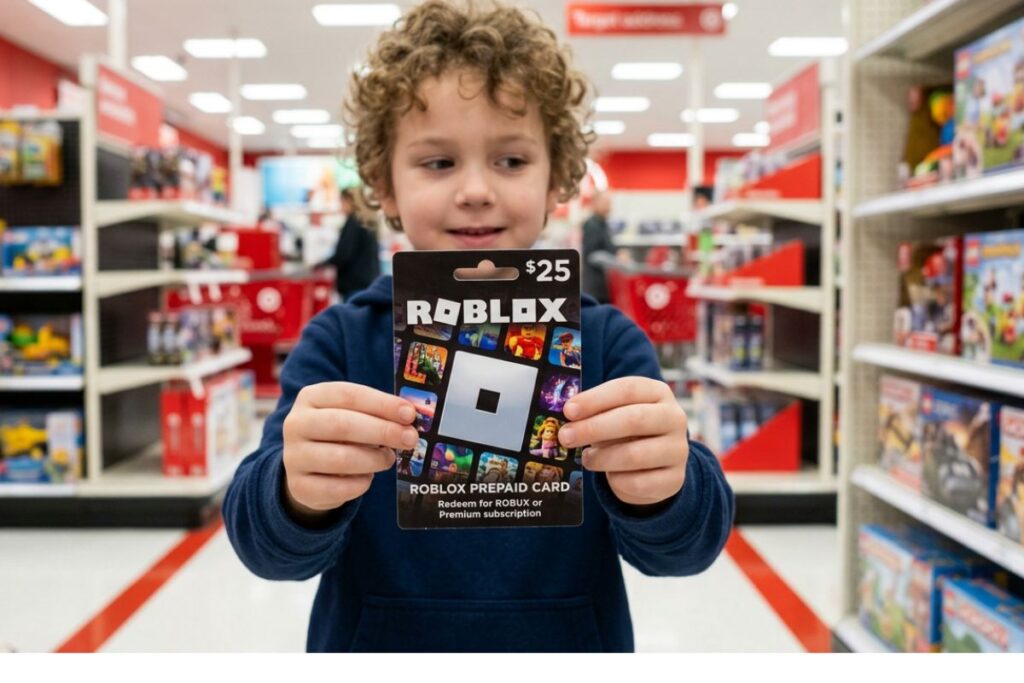
This is the simplest and most reliable option. You buy a physical or digital Roblox Gift Card and give the code to the person you want to gift. They redeem it on their own account and get the Robux directly.
You can find Roblox Gift Cards at major US retailers like Walmart, Target, Best Buy, and GameStop. Digital versions are also available on the official Roblox Gift Cards page. Cards come in denominations starting around $10 and go up from there.
Steps to use a gift card:
- Buy the card in-store or online.
- Share the code with your friend (keep it private until you hand it over).
- Your friend goes to roblox.com/giftcards and enters the code.
- The Robux appear in their account right away.
This method is clean, safe, and there is no chance of getting scammed as long as you only share the code with the person you trust.
Method 2: Use a Group to Transfer Robux
Roblox Groups are communities that players can create and join. Group owners can pay out Robux to members who have contributed to the group. This is one of the most widely used methods for how to give someone Robux on Roblox, especially among friends who play together regularly.
Here is how it works:
- One person creates a Roblox Group (this costs 100 Robux to set up).
- Both players join the group.
- The group owner goes to the Group Admin page and selects “Revenue” then “Payouts.”
- They can choose to give a one-time payout or a percentage of group funds to a specific member.
There is a catch, though. Roblox takes a 30% marketplace fee on transactions like this, so if you try to send 1,000 Robux, the recipient will get around 700. This is worth keeping in mind if you want to send an exact amount.
Also, Roblox limits how quickly new groups can use payout features to prevent abuse. New groups may need to wait a few days or meet certain activity requirements before payouts are unlocked.
Method 3: Buy a Game Pass in a Friend’s Game
If your friend has created their own Roblox game, they can create a Game Pass inside that game. You buy the Game Pass, and the Robux go to their account. Simple.
Steps for the friend who wants to receive Robux:
- Go to Roblox Studio and open their game.
- Under the Monetization settings, create a new Game Pass.
- Set the price and publish it.
Steps for the person giving:
- Find the game, go to the Store tab, and purchase the Game Pass.
The same 30% marketplace fee applies here, so the creator keeps 70% of what you spend. Still, this is a great option if the friend you want to help is already a game creator on Roblox.
Method 4: Purchase Roblox Premium as a Gift
Roblox Premium is a monthly subscription, starting at $4.99 per month, that gives players a set amount of Robux every month. According to the Roblox Premium page, the $4.99 tier gives 450 Robux per month, the $9.99 tier gives 1,000 Robux, and the $19.99 tier gives 2,200 Robux.
You can purchase a Roblox Premium gift through the platform or by giving someone a gift card with enough value to cover the subscription. This is a thoughtful gift for a friend’s birthday or holiday because they keep getting Robux every month for as long as the subscription runs.
Comparing the 4 Methods Side by Side
| Method | Cost to Set Up | Robux Fee | Ease of Use | Best For |
|---|---|---|---|---|
| Gift Card | Price of card | None | Very Easy | Anyone, any age |
| Group Payout | 100 Robux to create group | 30% taken | Moderate | Regular friend groups |
| Game Pass Purchase | Friend needs a published game | 30% taken | Easy | Friends who make games |
| Roblox Premium Gift | $4.99 to $19.99/month | None | Easy | Birthday or holiday gift |
How to Spot Robux Scams (And Protect Yourself)
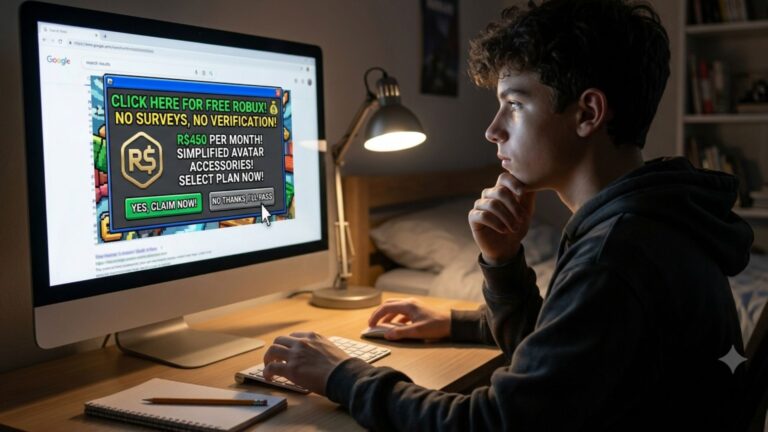
This section matters a lot, especially for younger players. The Federal Trade Commission (FTC) has repeatedly warned that online gaming scams targeting kids are on the rise. If someone online promises to give you free Robux in exchange for your username and password, that is a scam. Full stop.
Common scam tactics to watch out for:
- Websites that claim to “generate” free Robux if you enter your account info.
- Players in-game who say they will double your Robux if you send them some first.
- Links in Discord servers or YouTube comments that lead to fake Roblox login pages.
- “Admins” who message you saying you won a prize and need to verify your account.
Roblox has its own safety guidelines for parents and players that explain how to report suspicious activity and set parental controls. It is a great resource to bookmark.
The safest rule of thumb: if someone is offering you Robux for free with no clear reason, it is not real.
Things to Know
- Roblox takes a 30% cut from all Group Payouts and Game Pass purchases, so always account for that when deciding how much to spend.
- Gift Cards are the only method with zero fees, making them the best deal for the person receiving Robux.
- You must be a Roblox Premium member or have a group with sufficient history to use the group payout feature smoothly.
- Creating a Roblox Group costs 100 Robux upfront, which may not be worth it if you only want to send Robux once.
- Roblox’s Terms of Use prohibit selling or trading Robux for real money outside of the official platform, so stick to approved methods.
- Parents in the US can set up Parental Controls and spending limits through the Roblox parental settings to keep kids safe.
Frequently Asked Questions
Q: Can I send Robux directly to a friend on Roblox?
No, Roblox does not allow direct Robux transfers between players.
The platform intentionally leaves out a direct send feature to protect younger users from scams. Your best options are gift cards, group payouts, or buying a game pass in your friend’s game.
Q: Is there a fee when I give Robux through a group?
Yes, Roblox takes a 30% cut from all group payouts and game pass sales.
So if you want your friend to receive 1,000 Robux through a group, you would need to have about 1,430 Robux in the group to cover the fee. Always do the math before setting up a payout.
Q: How old do you need to be to use group payouts on Roblox?
Roblox requires users to follow its general Terms of Use, which require users to be at least 13 for certain account features.
Younger players under 13 may have restricted accounts with limited group and monetization options. A parent or guardian should review the account settings to see what is available.
Q: Can a parent gift Robux to their child’s Roblox account?
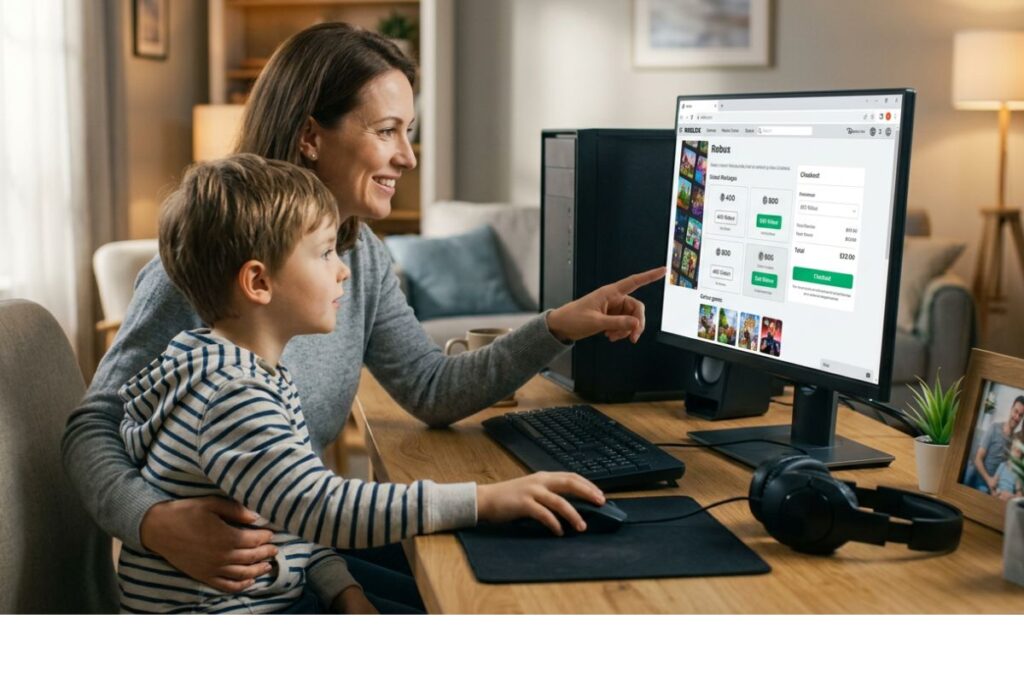
Yes, parents can add Robux to a child’s account through the Roblox website using a credit card, PayPal, or a gift card.
The easiest way is to log into the child’s account and purchase Robux directly, or buy a physical or digital gift card and let the child redeem it themselves. According to Common Sense Media, setting up parental spending limits is a smart step before adding any funds.
Q: What is the cheapest way to give someone Robux on Roblox?
A $10 Roblox Gift Card is the cheapest and most straightforward option.
It gives the recipient 800 Robux with no extra fees, and it is available at most major US retail stores or online. If you want to send a small amount, this is the most cost-effective choice.
The Bottom Line on How to Give Someone Robux on Roblox
Knowing how to give someone Robux on Roblox comes down to picking the right method for your situation. If you want zero fees and maximum simplicity, a gift card wins every time. If you and your friends already have a group set up and someone is active on the platform, group payouts work well. And if the person you want to help is a game creator, buying their game pass is a great way to support them directly.
Whatever method you choose, always stick to official Roblox tools. Skip the third-party websites, never share your password, and if something sounds too good to be true, it almost always is. Head to roblox.com/giftcards to grab a gift card right now, or check the Roblox Group settings if you already have a group ready to go.